Button
GND
+3.3 V
1
2
DI 3
DI 2
DI 1
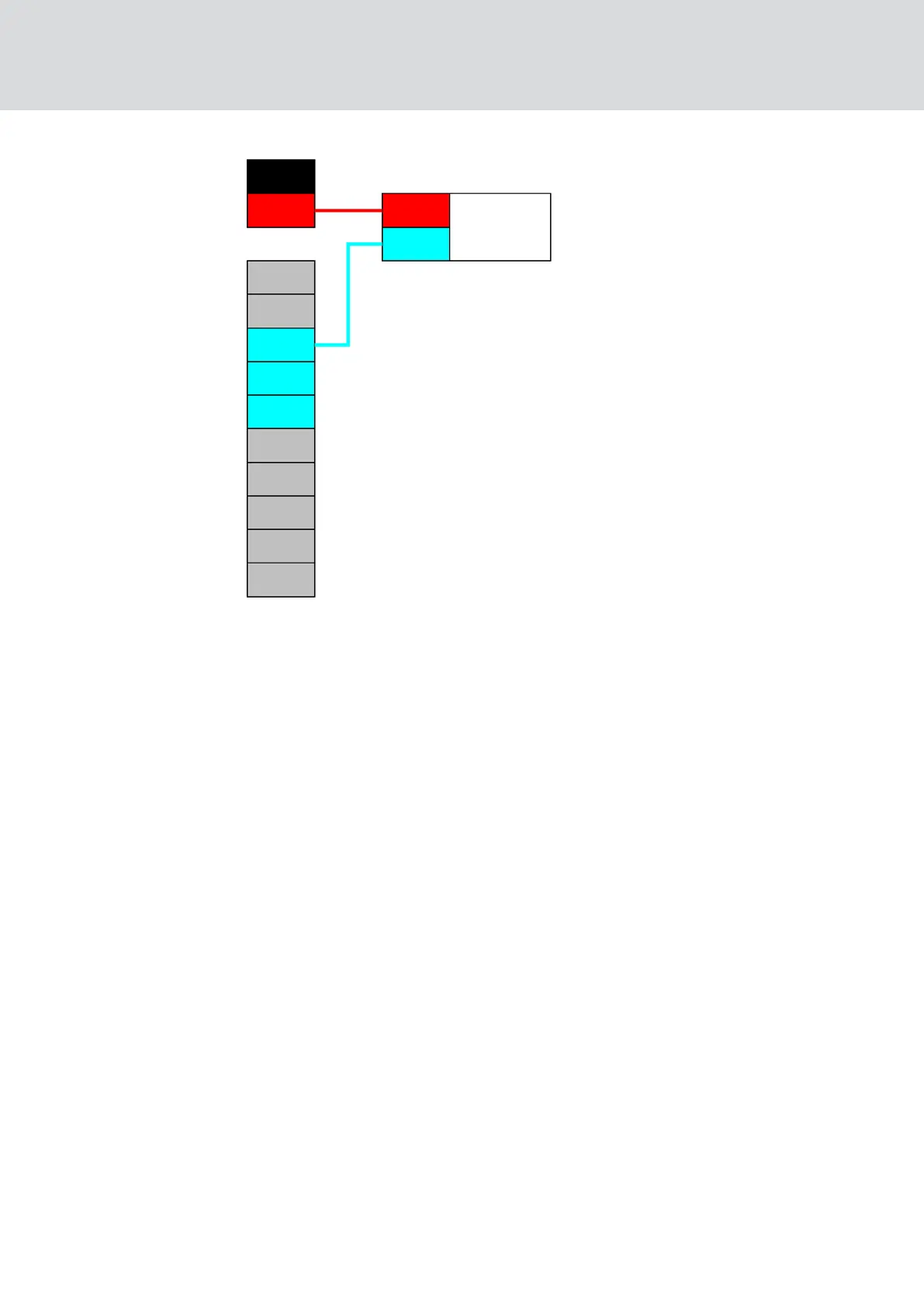
1. Connect a contact of the push button to a contact on the board, which
is next to the IO-Connector and intended for +3.3 V
DC
.
2. Connect the other contact of the push-button to one of the digital in-
puts DI1, DI2 or DI3.
Input (relay contact)
Use this configuration to switch an input with a relay contact. The relay
contact can be controlled by an external system. This allows you to
connect an external system to the WaveNet.
WaveNet (Manual)
5. WaveNet Manager
86 / 210



 To Next Page