Chapter 4: Server troubleshooting 37
Chapter 4: Server troubleshooting
This section contains the following topics:
•
About server diagnostic indicators
•
About drive monitoring
•
About power supply monitoring
•
About Accelerator card monitoring
•
About network interface monitoring
You can use the diagnostic indicators and LEDs to identify problems with the server hardware. For
assistance with resolving hardware problems, such as a component failing, contact Customer Support.
About server diagnostic indicators
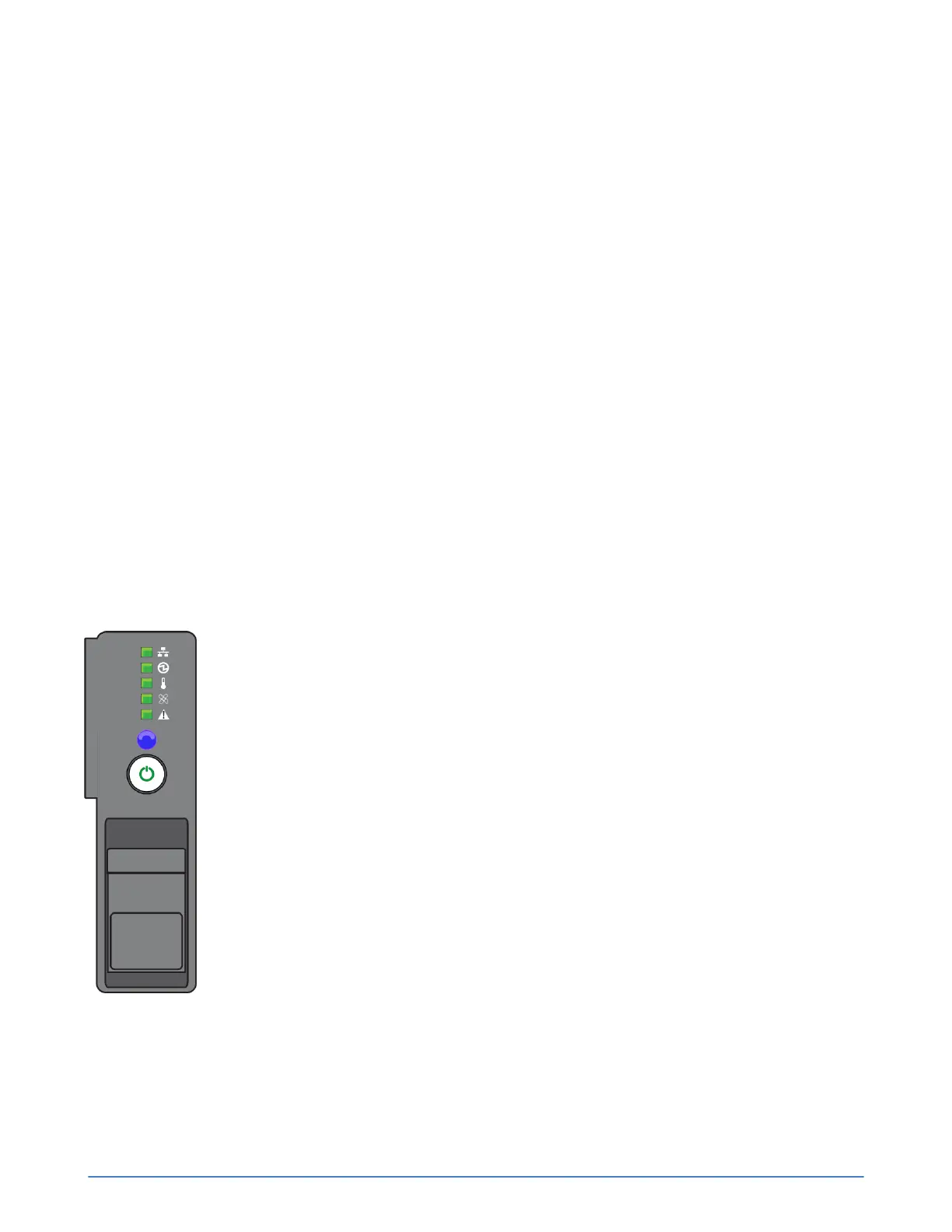
The front panel includes diagnostic indicators that indicate when components are functioning properly
or when a hardware-related error occurs. You can use these indicators to help you identify and correct
server problems before they affect service levels.
Figure 8: Diagnostic indicators



 To Next Page