Chapter 4: Server troubleshooting 43
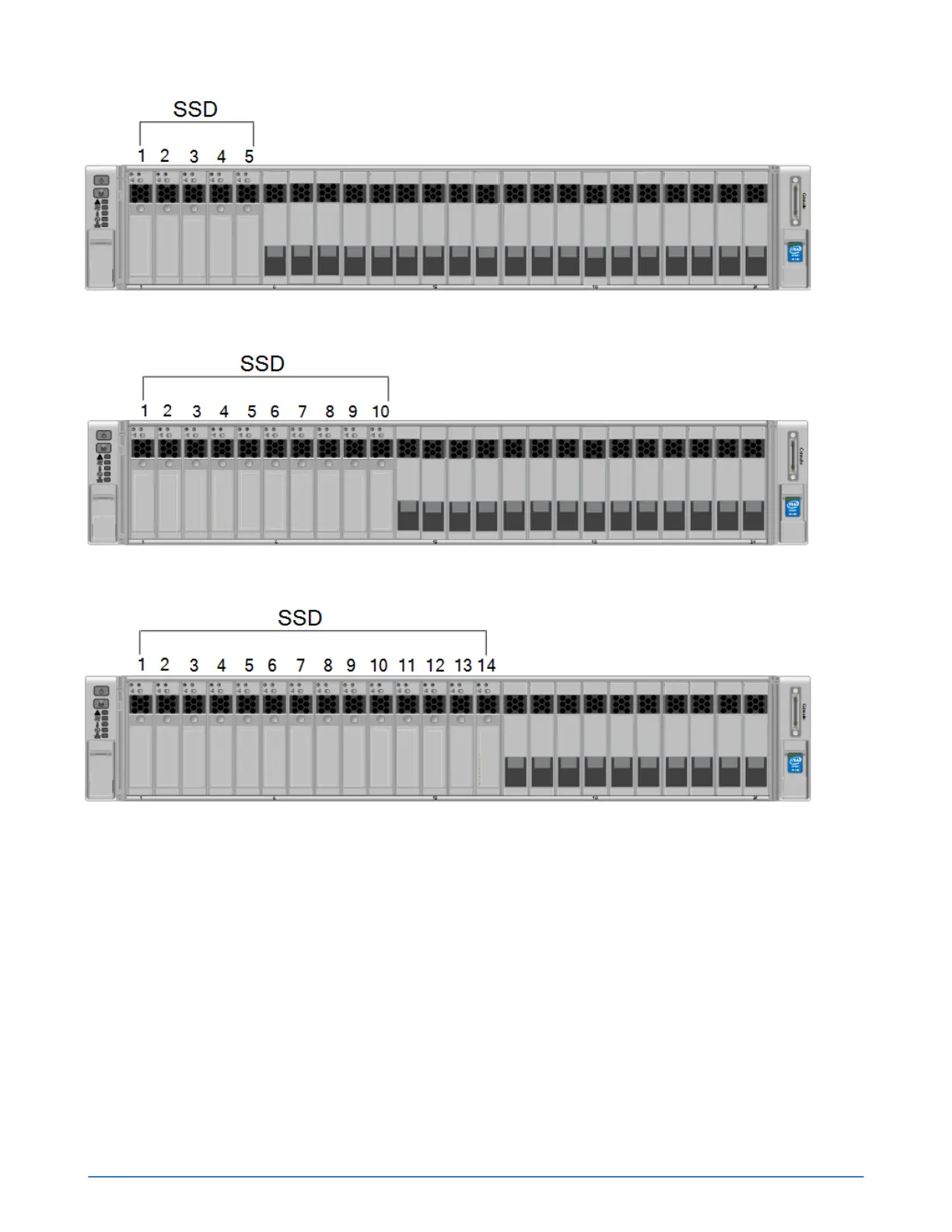
Figure 13: Drive numbering for Small, All Flash models
Figure 14: Drive numbering for Medium, All Flash models
Figure 15: Drive numbering for Large, All Flash models
About power supply monitoring
A UCS C240 M4SX server has two power supplies numbered PSU 01 and PSU 02, from bottom to top,
when viewed from the back.
■ Ensure that the power supply is fully inserted and locked in by its spring-loaded green clip.
■ Ensure the power cables are fully inserted at both ends.
You can examine the power supply LEDs, as shown by callouts 1 and 2 in the following figure and
associated table.



 To Next Page