23
Reset Profile
Resets all profile parameter values to default value.
View
Able to choose viewing mode that is equivalent to features of View Mode Selection button. For more
details, please refer to “2.4 View Mode Selection button” on page.11.
Printer
Finds and adds printers on the network.
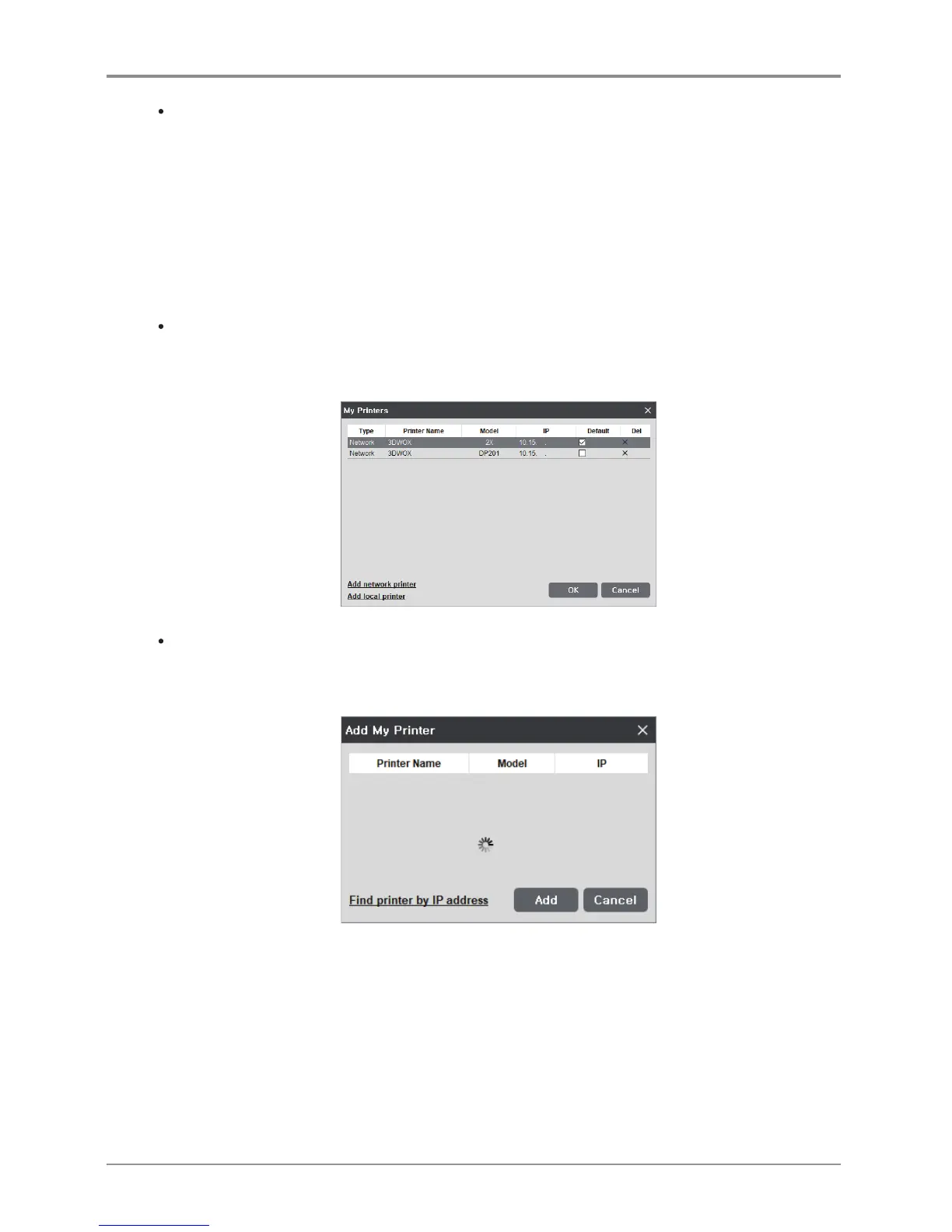
My Printer Management
This screen manages the printers added by user.
On restart of the program, without any settings required, prints will be directed to the default printer.
Add Network Printer
Automatically searches and finds available printers in network.
Select from the found printers and press “add”, then selected printer will be added to “My Printer”.



 To Next Page