8
-
For the 2X or 2X DP303, two cartridges will be on the list, and each cartridge can be set individually.
-
sign marked values are synchronized for two cartridges. Individual values cannot be set independently.
-
Support type can be selected or disabled.
-
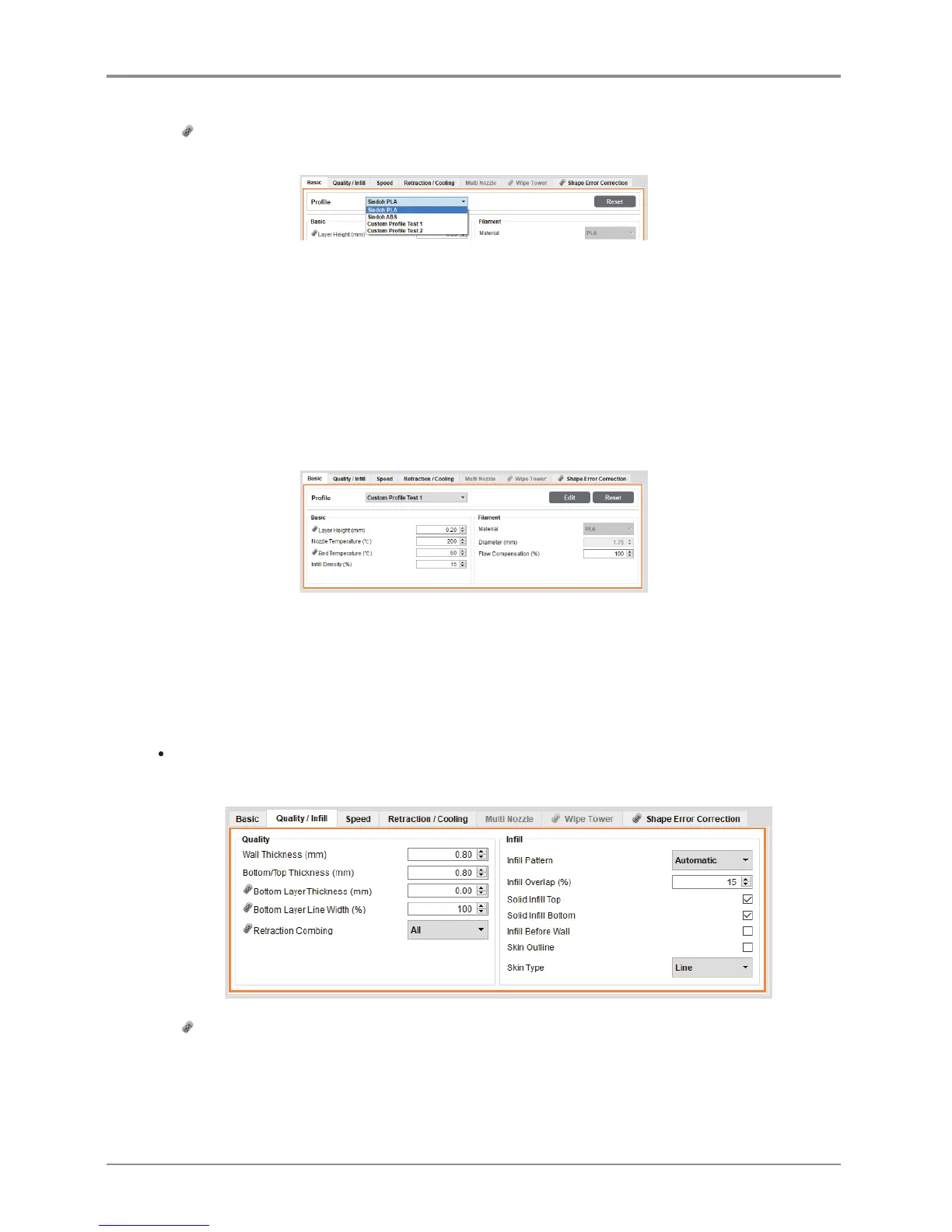
Profile selection bar: The user may choose either a default profile or a custom profile.
-
Reset button: Clicking the “Reset” button will restore the current setting before the new setting is saved
(before the “OK” or the “Apply” button is clicked).
However, the “Creation Position” in the “Support” tab and the “Bed Fixation Type” in
the “Bed Fixation” tab will be retained even after the “Reset” button is clicked.
-
OK button: This will save all the setting values and close the dialog box.
-
Apply button: This will save the setting values without closing the window.
-
Cancel button: This will close the dialog box without saving the setting values.
<This applies to custom profiles (not the default profiles of the slicer program).>
-
“Edit” button: If the user clicks this button, the changes in the “Edit Custom Profile” will be saved,
and the user will return to the advanced mode, where the changes will also be reflected.
If the user does not save the changes in the “Edit Custom Profile”, the changes will not be reflected
in the advanced mode.
-
The other settings will be identical to those of the default profile.
Quality / Infill
-
Sets values for thickness and infill rate of external walls and bottom/top surface of the model .
-
sign marked values are synchronized for two cartridges.
Individual values cannot be set independently.



 To Next Page