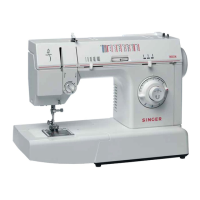
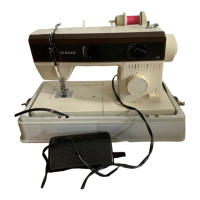
Singer
288
9
PATTERN DISCS
• One removable pattern disc in place on holder in
your machine (plain zig-zag stitch).
• Additional in interchangeable pattern discs.
Each pattern disc is numbered and its design is repro-
duced on its surface for quick recognition. See illustra-
tions for the patterns.
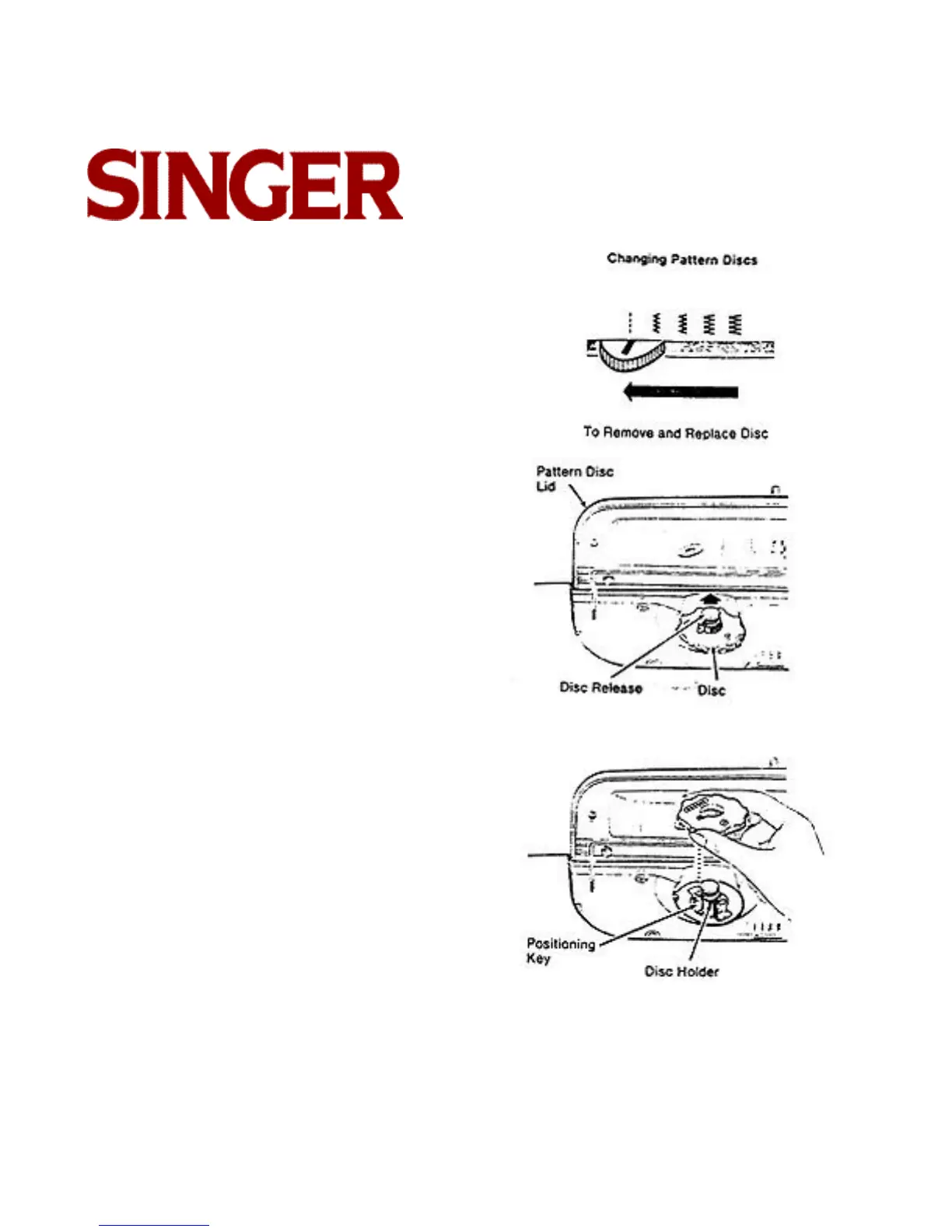
Changing Pattern Discs
• Move stitch width selector to (straight-stitch position).
• Raise pattern disc lid.
• Pull pattern disc releaser up and remove the disc.
• Replace with another disc. making certain that the
numbered side of the disc is face up and that the
notch in the center of the disc fits over the positioning
key on the disc holder. Push disc down firmly.



 To Next Page