13
Replacing the Thread Tension Unit
To remove :
1. Remove the face cover, bed cover and front
cover.
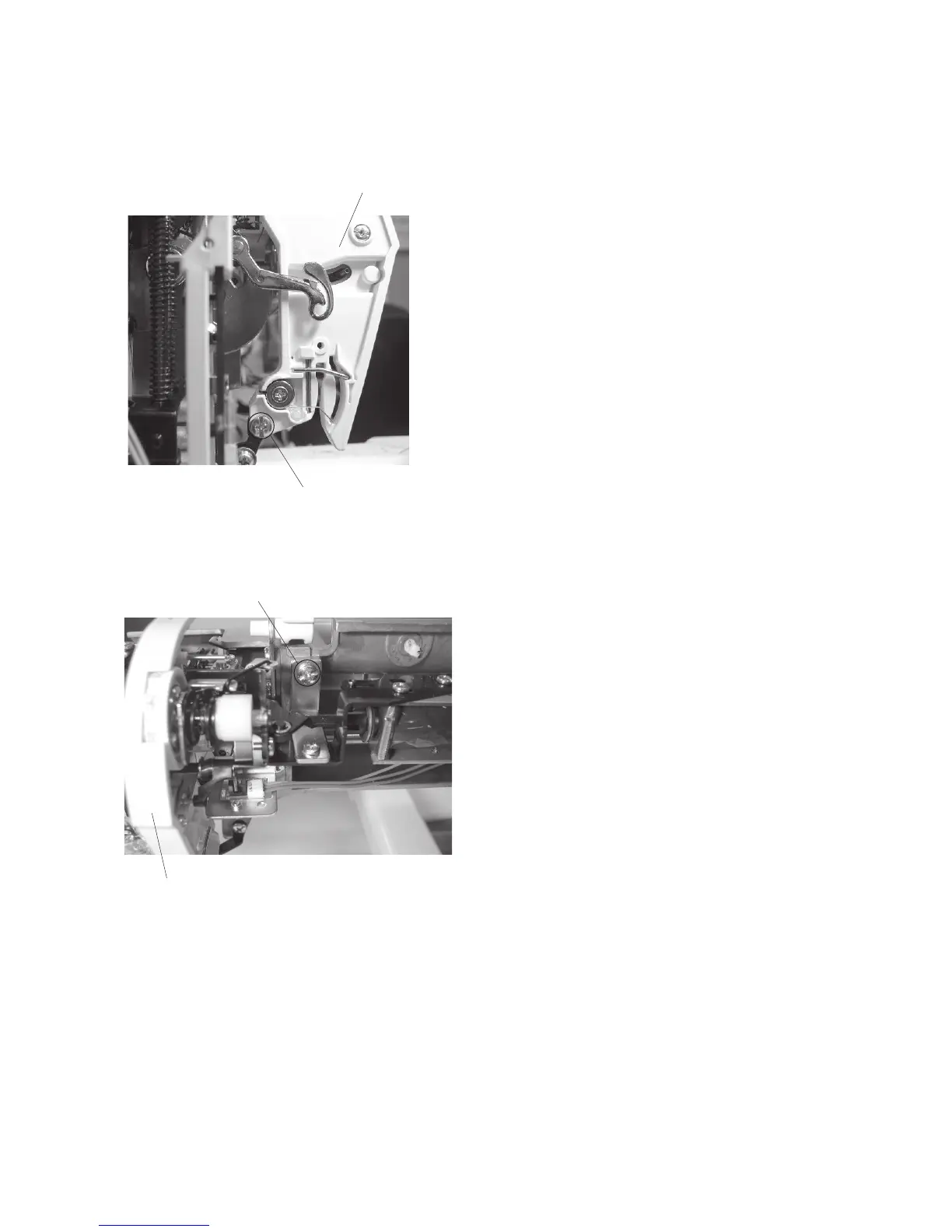
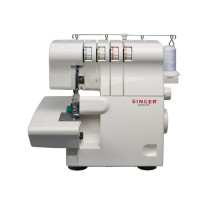
2. Remove the setscrews (A) and (B).
Remove the thread tension unit.
To attach:
3. Follow the above procedure in reverse.
NOTE:
After replacement, adjust the tension release mech-
anism and tension solenoid (refer to the next page).
Thread tension unit
Setscrew (A)
Setscrew (B)
Thread tension unit


 To Next Page