CGM User Guide
31 Section 2 Start Your Sensor
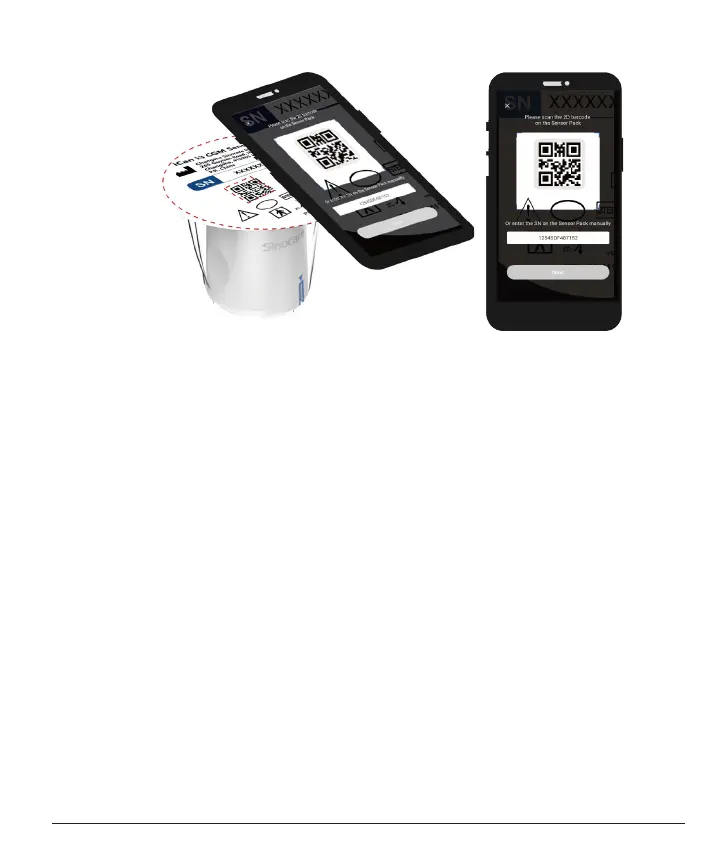
Step 3: Scan the SN Code
Following Step 4 from Sec 2.1.2, scan the SN 2D barcode located
on the Sensor Pack label or enter the full SN Code on Sensor Pack
by typing manually. The SN Code is unique to the sensor and the
Transmitter, make sure you enter the correct code. If you enter the
wrong code or code from another Sensor Pack, you will not be able to
use the iCan i3 CGM or your glucose result could be incorrect.



 To Next Page