CGM User Guide
Section 5 End a Session 64
5.1 End Your Sensor Session
Your iCan i3 CGM is intended to last for 15 days. The Sensor will
automatically stop when the 15-day session is over. You can also end
the sensor session early by manually stopping it. Before it ends, you will
get notications letting you know your sensor session is ending. Before
you start a new sensor session, you must remove your existing sensor.
5.1.1 Automatically stopping a session
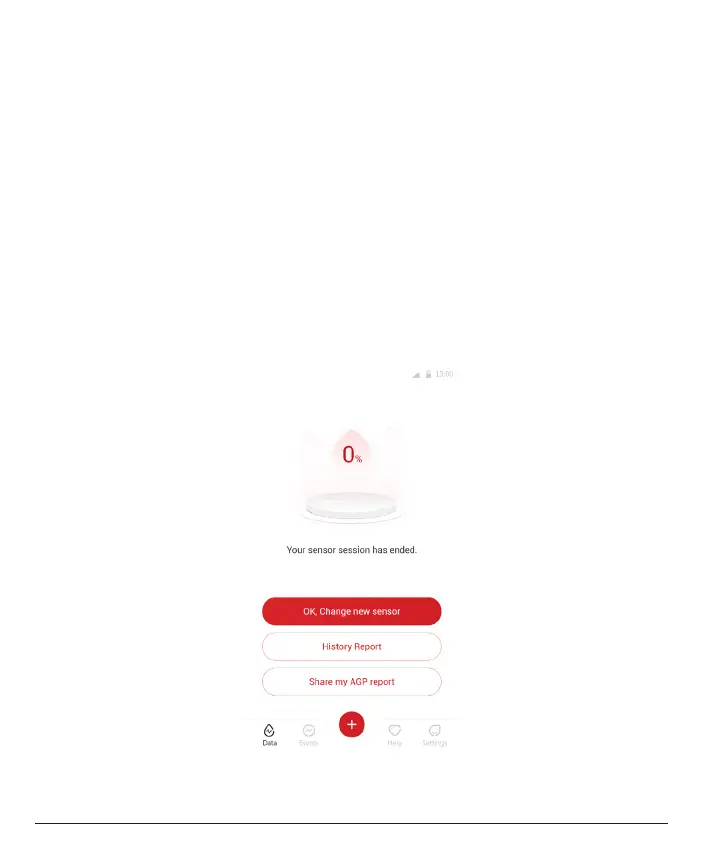
After 15 days, the CGM session will automatically stop. In the APP,
you will see a notication indicating that the session has ended. Once
the session has stopped, you should remove the sensor and tap
“OK,
Change New Sensor”
to start a new CGM session.



 To Next Page