CGM User Guide
3 Getting started with iCan Continuous Glucose Monitoring System (CGM)
Getting started with iCan Continuous Glucose
Monitoring System (CGM)
Continuous Glucose Monitoring System (hereafter referred as CGM)
gives you a more complete picture of your glucose control than blood
glucose (BG) monitoring alone. Using a sensor allows you to receive
up to 480 sensor glucose (SG) readings every 24 hours, lling the
gaps between your BG checks. CGM alerts notify you of high and low
glucose values.
Graphs and trend arrows show the speed and direction your glucose
levels are moving.
This Instructions for Use (also called User Guide) is provided to help
you understand the setup and operation of your iCan Continuous
Glucose Monitoring (CGM) System. To help you nd the information
you need, you can use the table of contents at the beginning of the
user guide and the index at the end of the user guide. There is also a
glossary of terms at the end of the user guide.
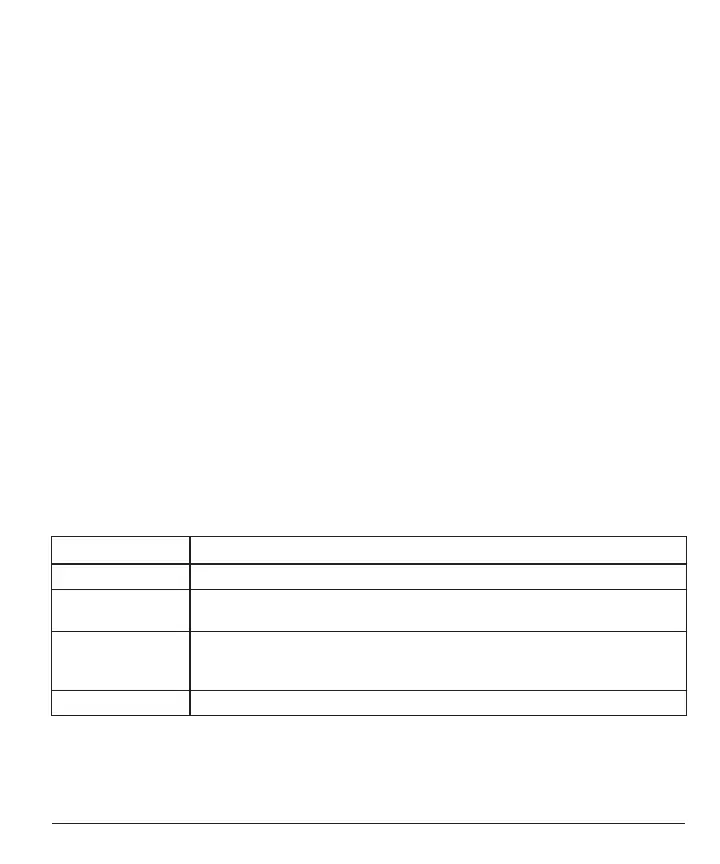
The following table describes certain terms, conventions, and concepts
used in this user guide.
Convention Description
Note Provides additional helpful information.
CAUTION Noties you of a potential hazard which, if not avoided, may result in minor or
moderate injury or damage to the equipment.
WARNING Noties you of a potential hazard which, if not avoided, could result in death
or serious injury. It may also describe potential serious adverse reactions and
safety hazards.
Bold Text To indicate screen items and buttons. For example, "Select
Next
to continue”



 To Next Page