8. The OSD Menu – Tools
GB 40
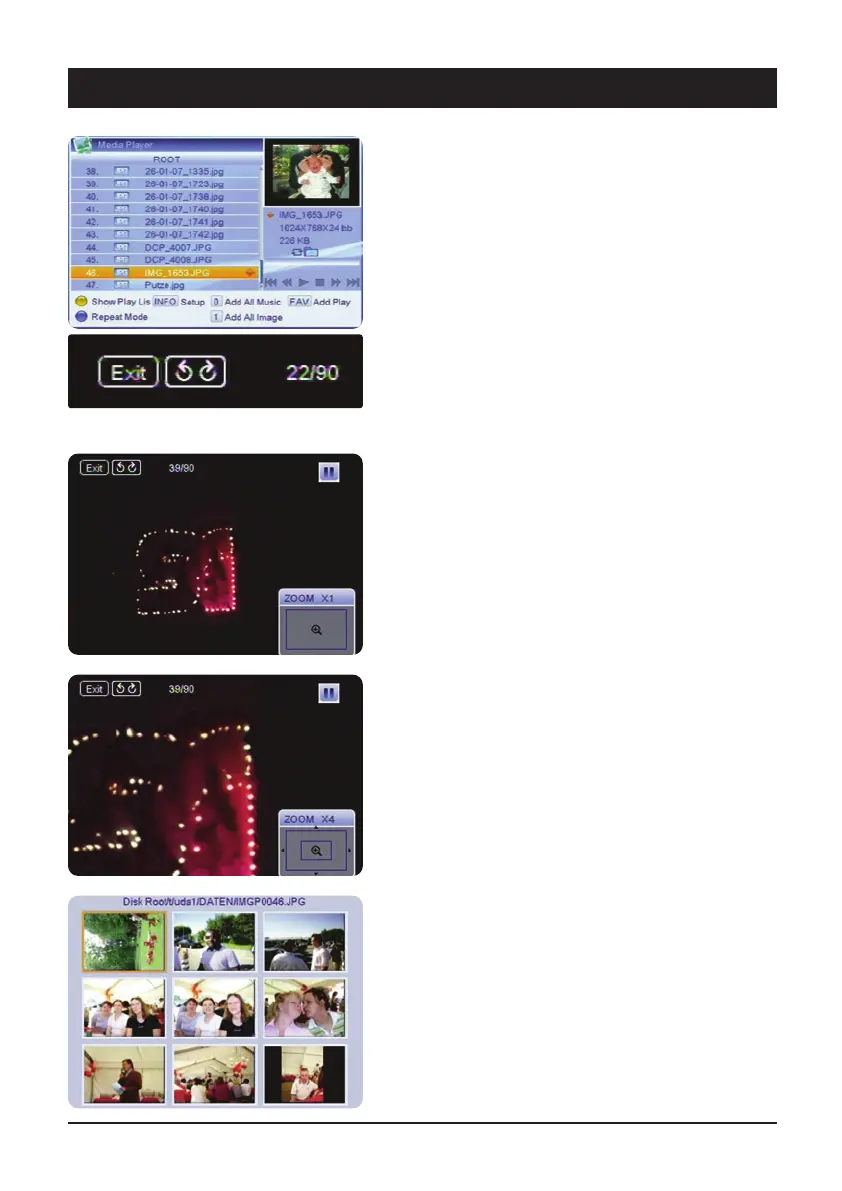
Playback of images
Select an image from the overview using the navigation
keys and press OK.
The automatic slideshow starts from the selected image.
This symbol indicates that at present image 22 of 90 is
displayed.
During image playback, the following options are available:
The key 왖왔 selects whether the list is played forwards
or backwards.
The 왗왘 keys stop playback and rotate the image
clockwise or counter-clockwise.
The 왘 key continues playback in sequence.
If the Zoom key is pressed during playback, the image is
stopped. The degree of magnification can be set with the
Zoom key and the selected portion of the image can be
set with the navigation keys.
Quit the Zoom mode with the EXIT key and continue the
playback with the
왘 key.
M/P Multi-image preview
By pressing the green M/P button, up to 9 images can be
displayed in a preview. If there are further images in the
same directory of the USB data carrier, press the
PG+/Pg- buttons on the remote control unit. If you wish
to view a particular image, use the navigation buttons
and then press the OK button.



 To Next Page