TP301 – Operation, Maintenance and Instructions Manual
3.6
TABLE OF POINTS - LINEARIZATION
The output signal follows a curve determined by 16 points freely configurable.
Table function (Linearization)
Depending on the application and according with the process, the transmitter output or PV is shown
in one linear characteristic curve (position, level, opening etc.). TP also has the option for adjust this
curve of linear output, to that the value in percentage can be linearized, you have to uses a table 16
points at maximum and minimum points 2. The output is calculated by interpolating these points.
The user can set the total of points desired.
To configure the feature table:
• The user must choose the item "function" to "table" option.
• Select the number of points, according to you need, 2-16 points.
• Create the table and indicate the current position value in the "X" (%) column and the
desired position value in the "Y" (%) column. Once created the table, send the points for
the position transmitter.
• Done, this configured.
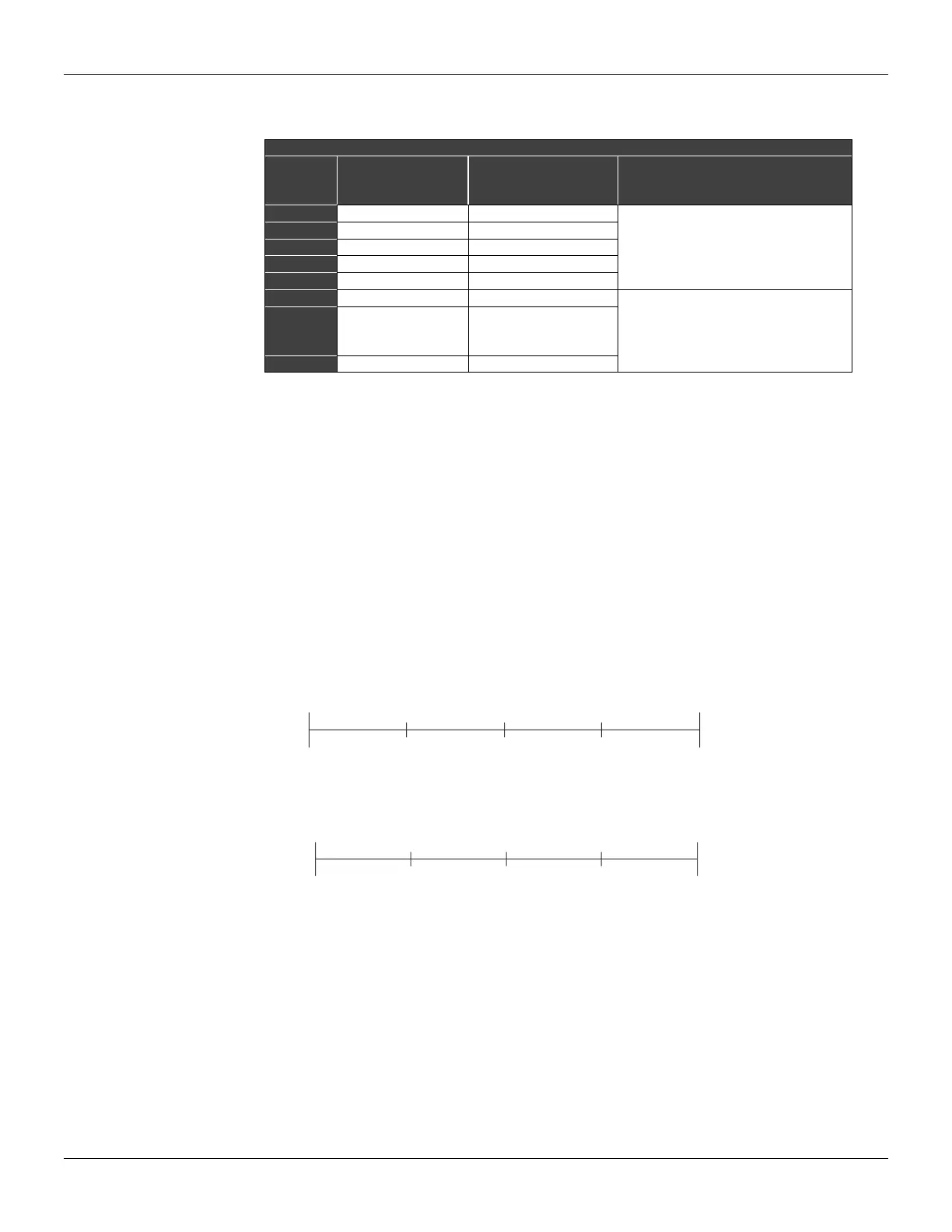
Position Graphic of the Magnet
Exemple:
Figure 3.5 - Position Graphic of the Magnet
- Applications with base in FDT/DTM (Field Device Tool/Device Type Manager)
The TP301 comes with the factory default connectivity with FDT/DTM systems.
The FDT (Field Device Tool) it is a digital communication technology between field devices and
systems. It is a non proprietary communication protocol (open) and its use has been growing
quickly, as a result of the user's search for an independence in relation to the suppliers.
The DTM (Device Type Manager) it is an application based on the DD - device description, and
it is responsible to link all the device information for instance the TP301, with the FDT. This



 To Next Page