Chapter 1
About your SMART Board 600 or D600
smarttech.com/kb/001414 11
Component Description
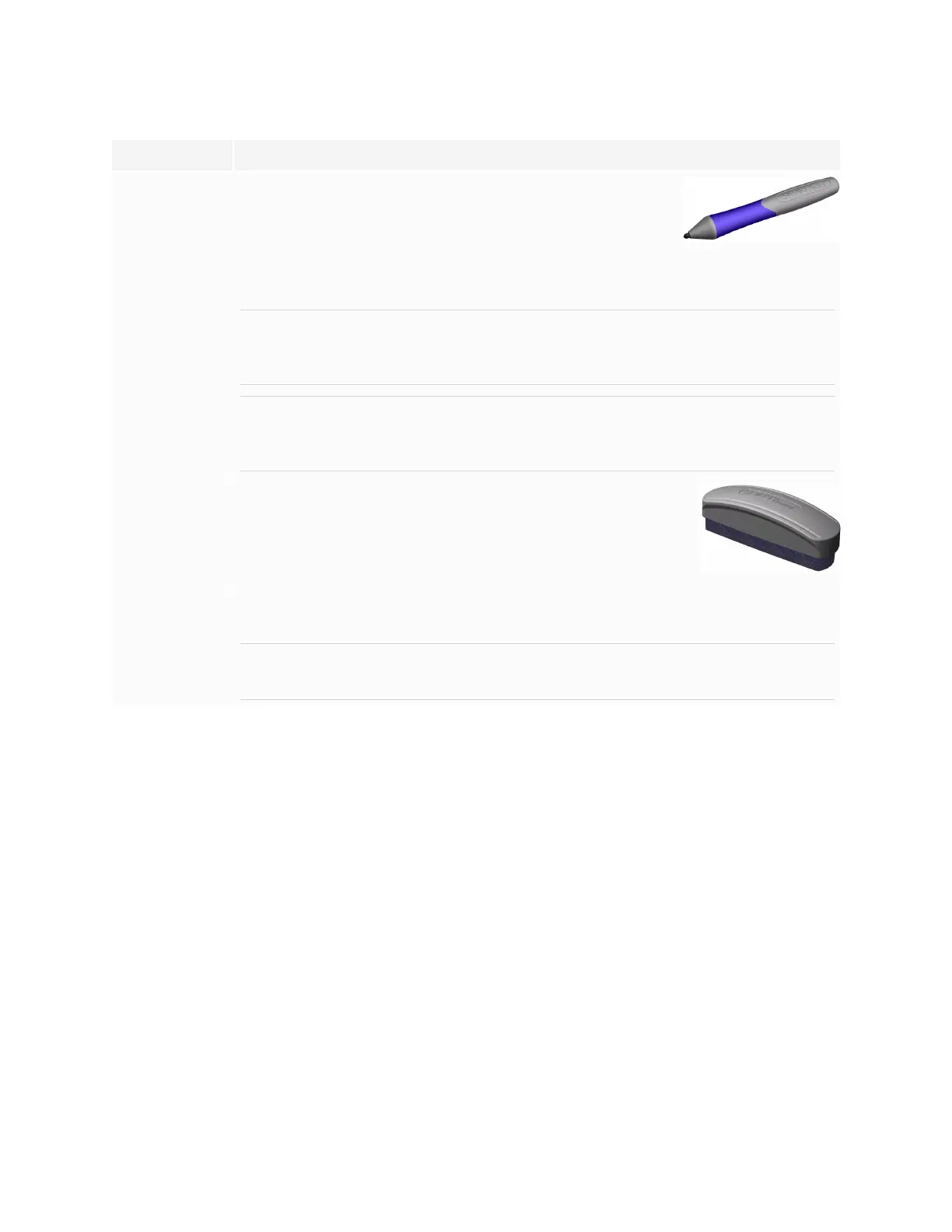
Pens The pens have rubberized grip areas and are colored to match
four colors of digital ink: black, red, green and blue.
You can use dry-erase markers instead of the included pens, as
long as they’re a similar shape, don’t scratch or mark your
interactive whiteboard’s surface and reflect infrared light. If the substitute isn’t reflective
to infrared light, the pen tray sensors might not detect the presence of the pen.
NOTE
Some of SMART’s older pens aren’t designed to reflect infrared light, and the pen
tray sensors might not detect them reliably.
TIP
Wrap light-colored tape around a substitute pen to improve the reflection of infrared
light, helping with tool detection.
Eraser The eraser is rectangular to mimic a traditional chalkboard eraser.
Again, you can use a substitute object, as long as it has a similar
shape, doesn’t scratch or mark your interactive whiteboard’s
surface and reflects infrared light.
SMART Board
interactive
whiteboard
wall-mounting
kit
The 32" (81.3 cm) wall-mounting bracket comes with five screws and drywall anchors,
enabling you to wall-mount your interactive whiteboard simply and securely.
NOTE
Models 685, D685, 690 and D690 come with two wall-mounting kits.
Optional accessories
You can add a variety of optional interactive whiteboard accessories to best meet your specific needs.
Purchase these items when you order your interactive whiteboard, or later from your authorized SMART
reseller. For more information about accessories, go to smarttech.com/accessories.


 To Next Page