Chapter 2
Installing and securing your interactive whiteboard
smarttech.com/kb/001414 23
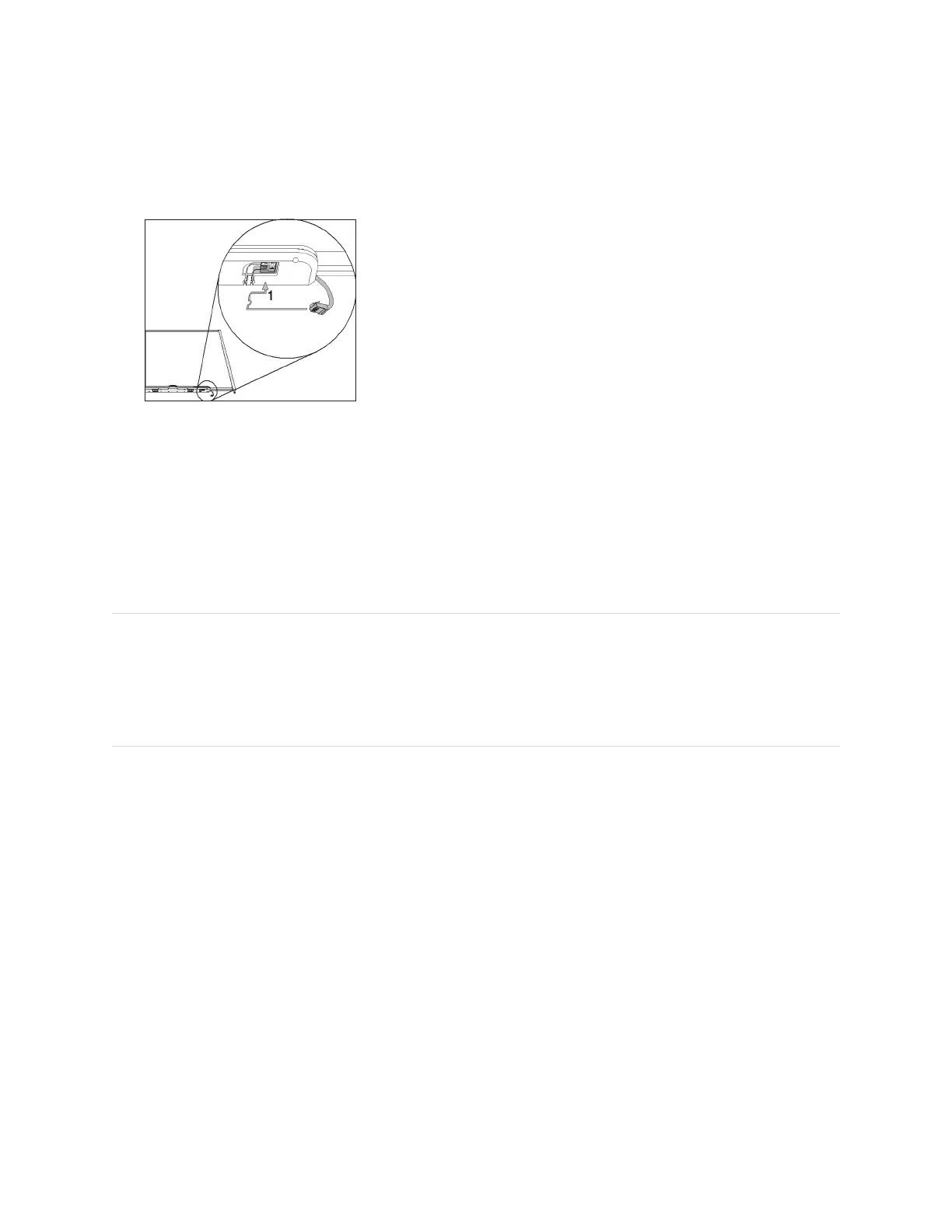
6. Press the cable into the cable management channel on the bottom of the tray. This step protects the
modular cable’s RJ11 connector from damage if the pen tray is removed without first disconnecting the
cable.
7. Place the four pens and the eraser into their respective slots in the pen tray.
Securing and removing the pen tray
Because your SMART Board interactive whiteboard’s pen tray is detachable, you might want to safeguard
it—and your interactive whiteboard—by anchoring it with a security cable. If you need to transport or repair
the display, you may need to remove it from the interactive whiteboard.
NOTE
Securing the pen tray can provide theft deterrence for your interactive whiteboard because the screws
that secure your interactive whiteboard to the wall are located directly behind the pen tray, and must be
removed to detach the pen tray. In effect, when you secure the pen tray, you’re also securing your
interactive whiteboard if the security cable is tight.
Locking the pen tray to your interactive whiteboard
Underneath the pen tray, you’ll find a lock slot that accommodates a security cable, such as a Kensington®
lock.


 To Next Page