Chapter 3
Connecting your interactive whiteboard to your computer
smarttech.com/kb/001414 28
Connecting with a USB cable
IMPORTANT
For information on connecting using wireless or serial expansion modules, see the accessory guides on
the SMART Board 600 and D600 series Support Web page.
Your SMART Board interactive whiteboard has a high-power USB 2.0 high-speed
peripheral interface that runs at speeds of up to 12 Mbps. The unit works with USB 2.0-
and USB 1.1- compliant interfaces.
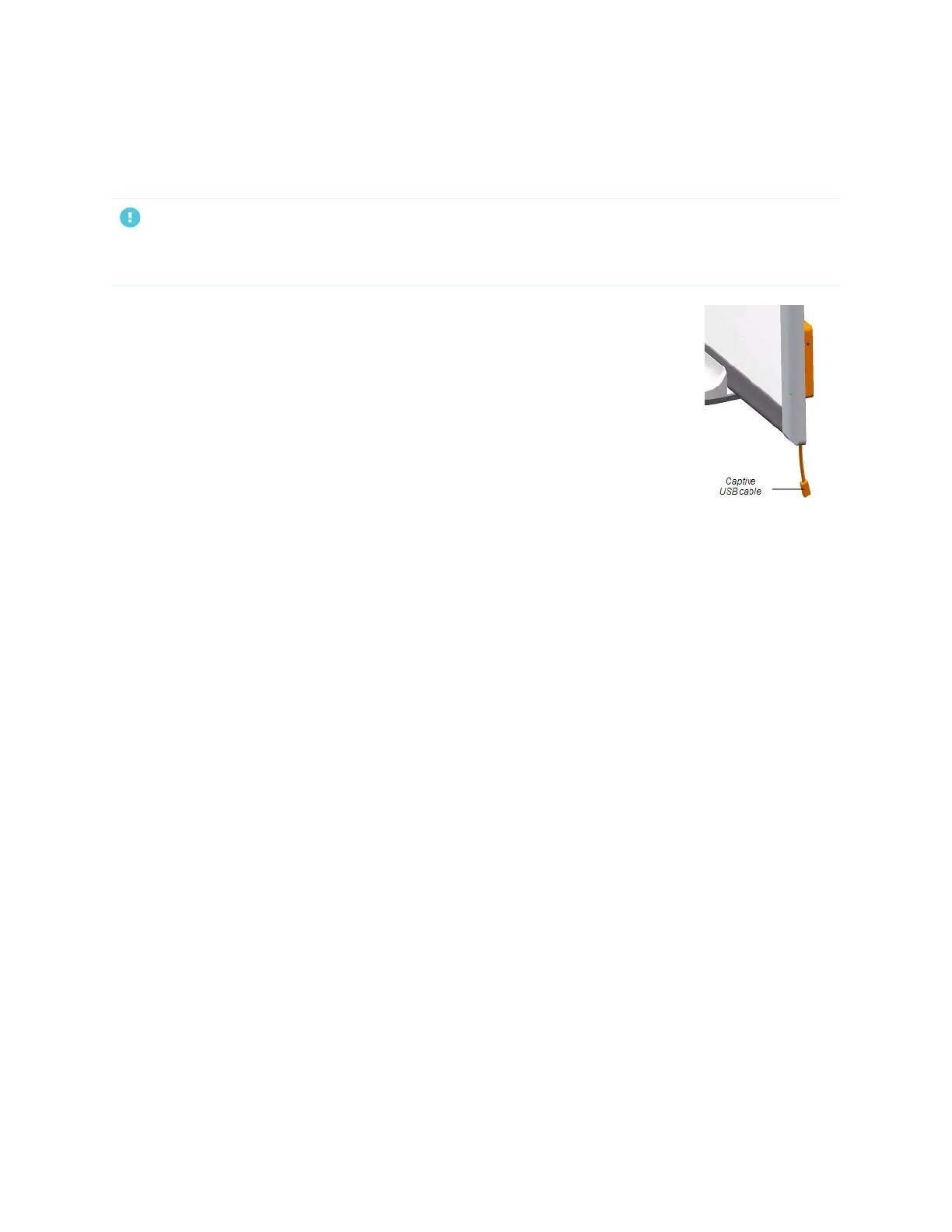
Your interactive whiteboard’s main USB connection is a captive flying lead cable. The
connector is a USB Type-B receptacle.
This captive cable provides convenient access to the USB receptacle without you
having to remove your interactive whiteboard from the wall. You can also place the
flying lead and USB cable in the channel on the back of your interactive whiteboard
so that they aren’t visible.


 To Next Page