Chapter 1
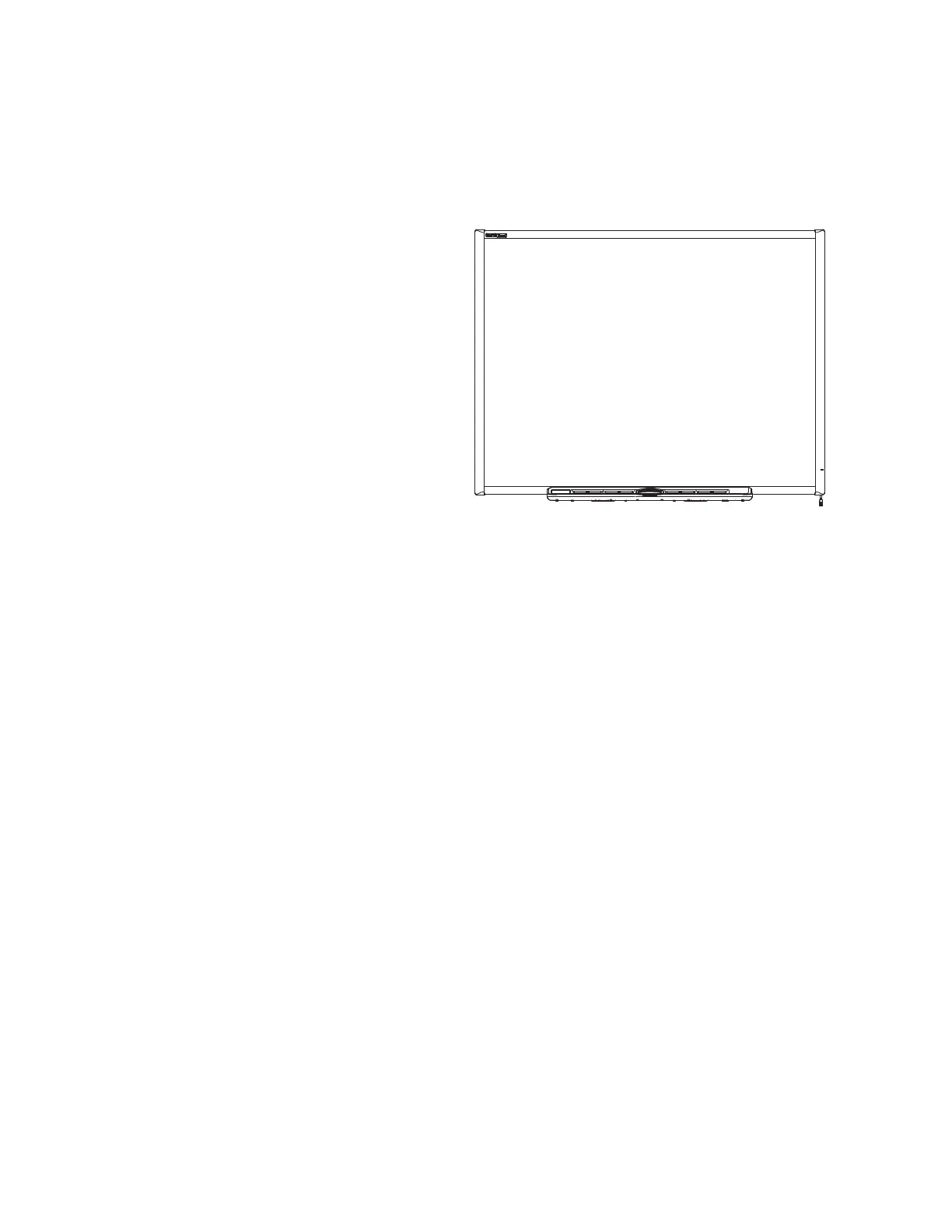
About your SMART Board 600 or D600
smarttech.com/kb/001414 8
Features
Your SMART Board 600 or D600 series
interactive whiteboard includes many features of
earlier SMART Board interactive whiteboards,
such as a resistive touch screen and a pen tray.
Although the basic operation is the same, SMART
made many improvements to make the 600 and
D600 series look more up-to-date and easier to
use, service and install.
The following models are available:
l 640—48" diagonal
l 660—64" diagonal
l 680/D680—77" diagonal (4:3 aspect ratio)
l 685/D685—87" diagonal (16:10 aspect ratio)
l 690/D690—94" diagonal (16:9 aspect ratio)
Touch
Write, erase and perform mouse functions with your finger, a pen tray pen or the eraser.
Models D680, D685 and D690 offer dual-user capabilities, enabling two users to touch or write
simultaneously at the interactive whiteboard in SMART Notebook® collaborative learning software. In dual-
user mode, SMART Notebook software switches to full screen-mode and a line divides the screen into two
separate workspaces, each with its own set of tools. For teachers, dual-user mode facilitates collaboration,
competition, one-to-one instruction and increased student participation at the interactive whiteboard.
Pen tray
Pick up a pen tray pen or the eraser, and the pen tray detects which tool you’ve selected. Buttons activate
the on-screen keyboard, right-click and help functions.
Durable surface
The hard-coated surface is tear proof, optimized for projection and easily cleaned with whiteboard cleaner,
or disinfected with a diluted bleach solution.
Wall-mounting bracket(s)
Install your SMART Board interactive whiteboard simply and securely.


 To Next Page