Chapter 5
Troubleshooting your interactive whiteboard
smarttech.com/kb/001414 50
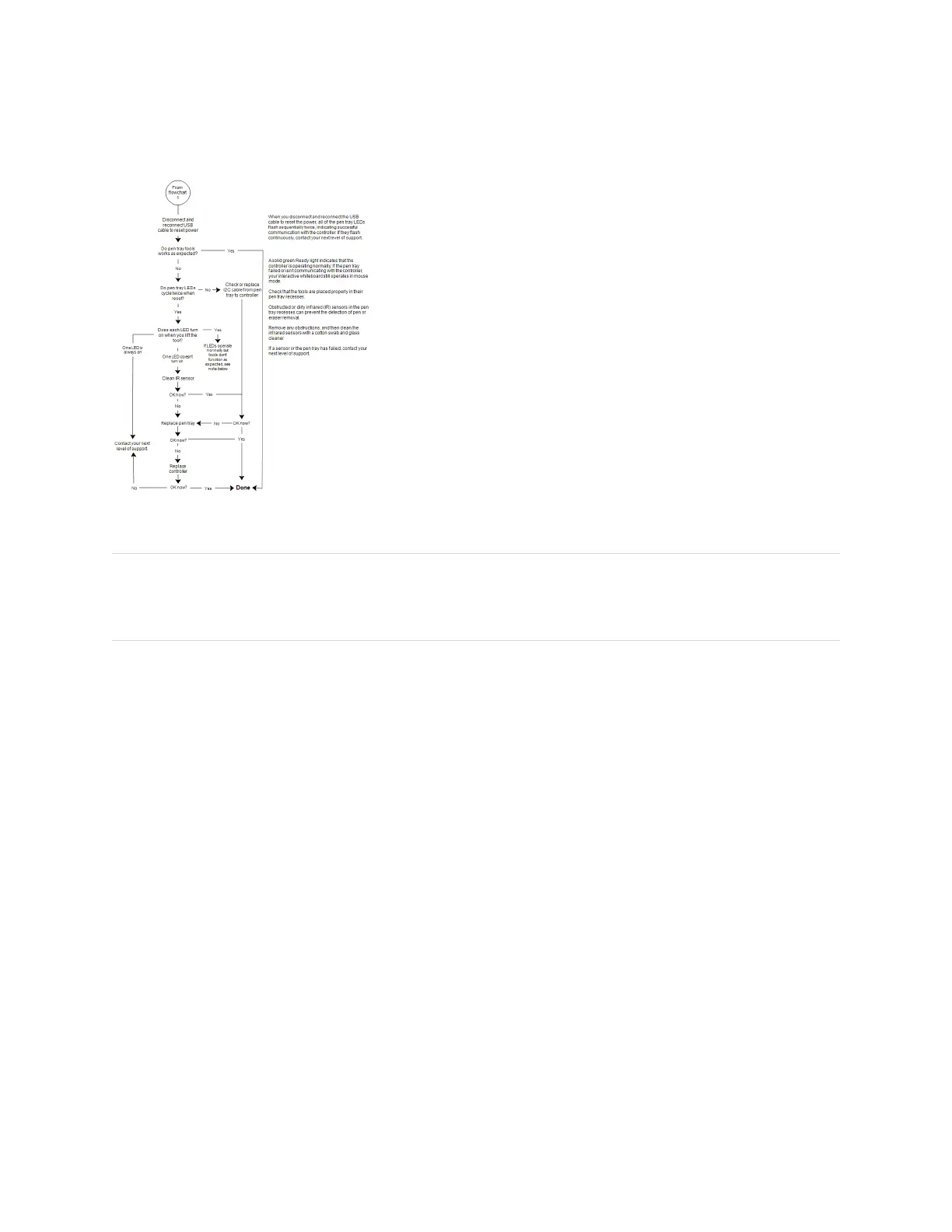
Flowchart 5: Ready light steady green
NOTE
If another user has reassigned the pen, eraser or pen tray button functions, you can return them to normal
operation using the SMART control panel.
Troubleshooting tips
Try the troubleshooting tips in this table if the Ready light indicates that your interactive whiteboard is
operating normally, but you’re still experiencing problems.


 To Next Page