16
Installation instructions
5.8
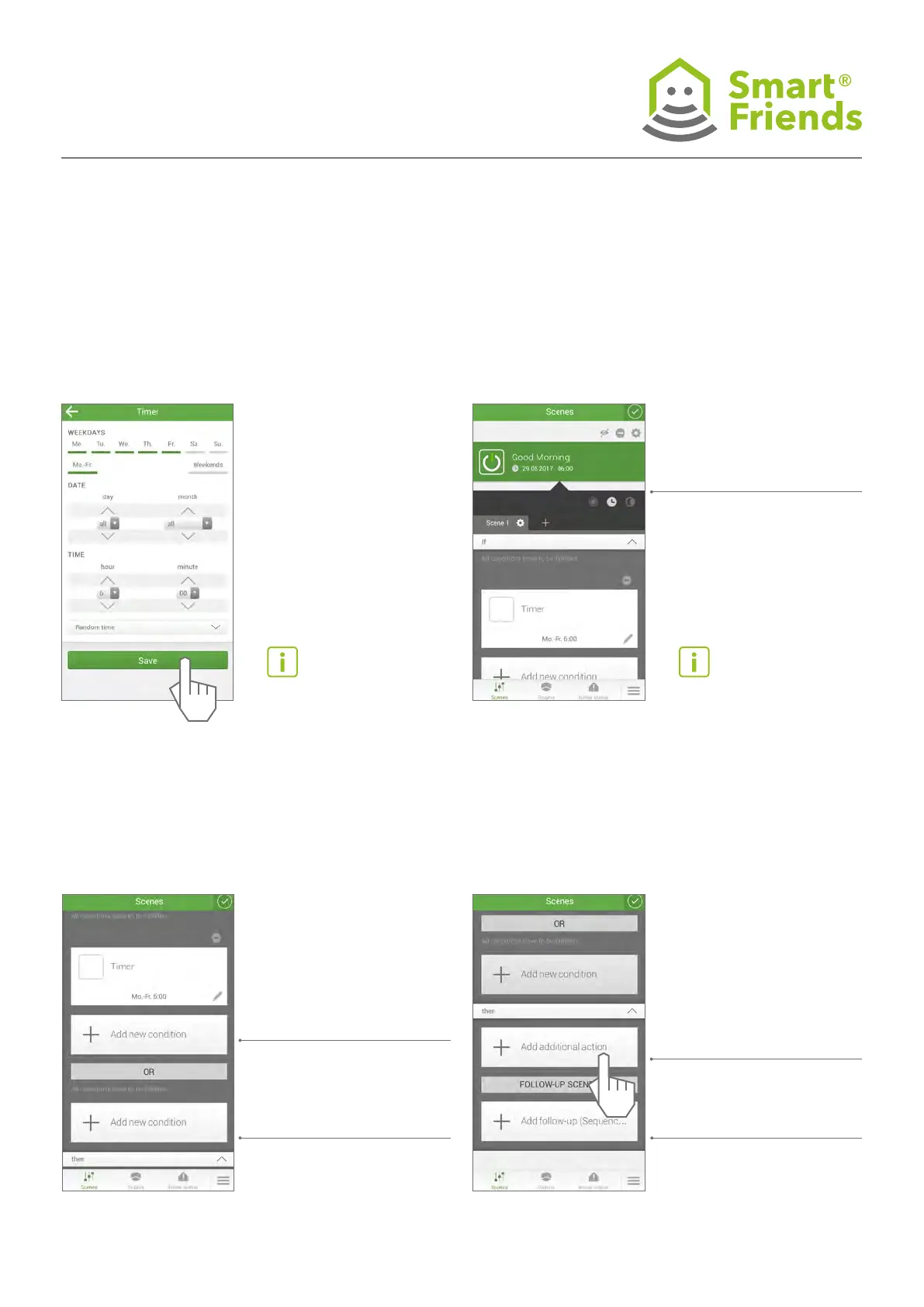
Icons for the specied automation
white: enabled
grey: disabled, scene can
only be triggered manually
5.7
Adjust personal settings
5.9
Other types of automation can be specied.
5.10
Other types of automation can be specied.
Scroll down screenScroll down screen
And-link:
All the conditions
must be met.
Or-link:
One of the conditions
set must be met.
Select the devices that are to
be added to the scene.
Select a different scene you
have already created as a
follow-up scene.



 To Next Page