80
Installation instructions
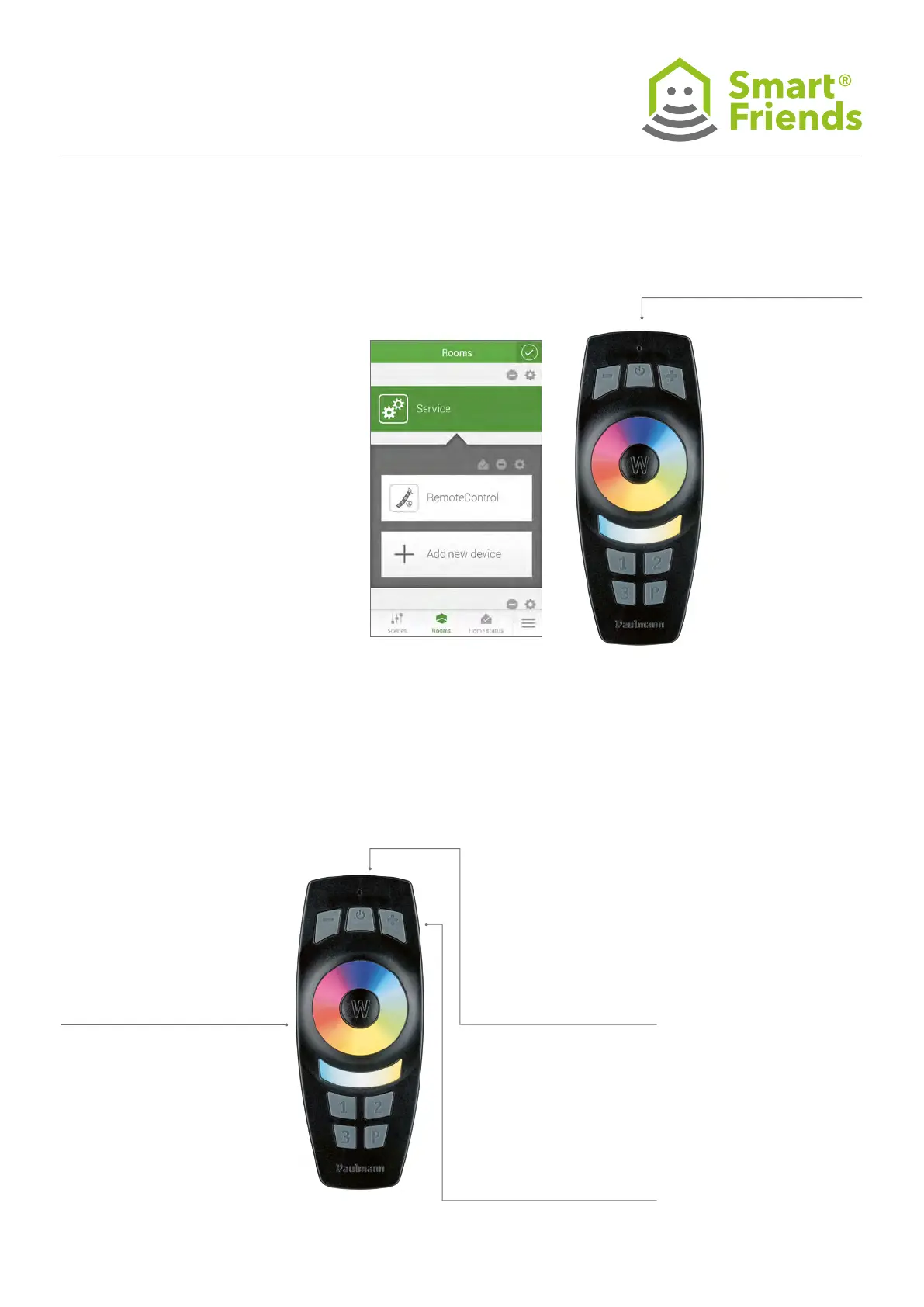
To pair the remote control, it must be
manually switched to pairing mode. To do
this, press the On/Off button on the remote
control for three seconds; the remote control
will now remain in pairing mode for three
minutes and can be found via the gateway.
Repeated ashing of the status LED on the
remote control indicates that the pairing
process is currently in progress. Once the
ashing stops, the remote control has been
found and paired with the Smart Friends Box.
Exit conguration mode in the APP by click-
ing on the checkbox symbol.
On/Off
P4.3
2. Then press the On/Off
button on the remote
control for more than ve
seconds; the remote control
has now been unpaired
from the previous devices
and returned to the default
setting.
3. The status can be checked
by pressing the + or –
without pressing any other
buttons beforehand: if the
remote control has been
reset, the status LED will
not light up.
If you would like to reset the re-
mote control, press the following
combination of buttons.
1. Press the W button on the
remote control for three
seconds.



 To Next Page