20
Installation instructions
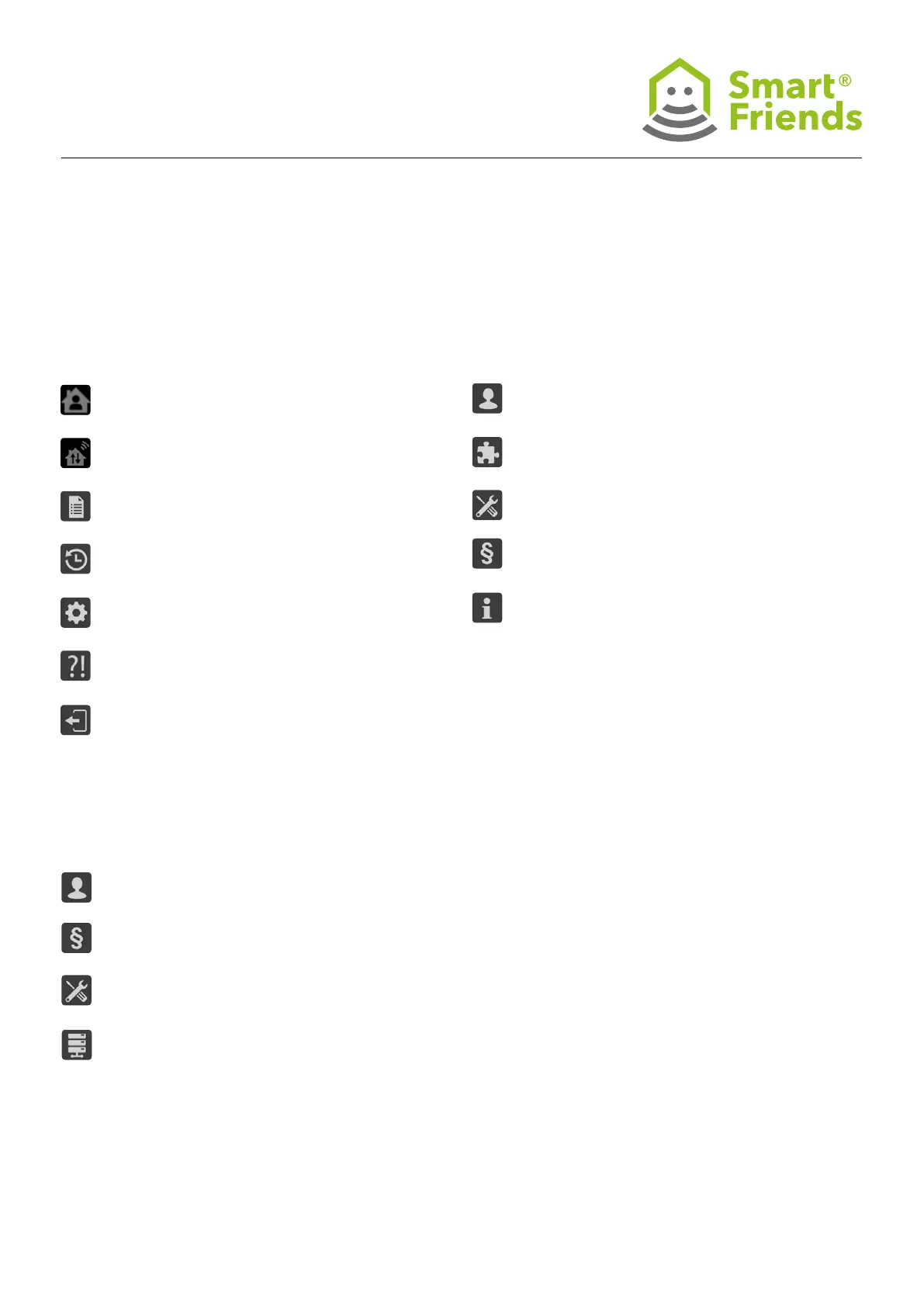
User: Account management
Extensions: Overview and purchase of add-on functions
(e.g. purchase of the Remote Home function).
System: Opens the “System” tab in the menu.
GTC
Masthead
Network status: Local connection via Wi-Fi.
Network status: External Connection via the Remote
Home function.
Device status: Logs the last command performed by
each device.
Switching times: Chronological list of the switching
times set (timer and astro function).
Settings: Opens the “Settings” tab in the menu.
Tips & tricks: Useful information about conguring
and using the Smart Friends system.
Log out: Close the app.
7.1
Icons in Menu
7.3
Icons in System
7.2
Icons in Settings
Information: Details of the Smart Friends app and
the Smart Home Alarm Panel.
Licences
Reset system: Delete app data and restore factory
settings.
System backup: Data backup to commercially
available USB stick.



 To Next Page