41
Installation instructions
A3.1
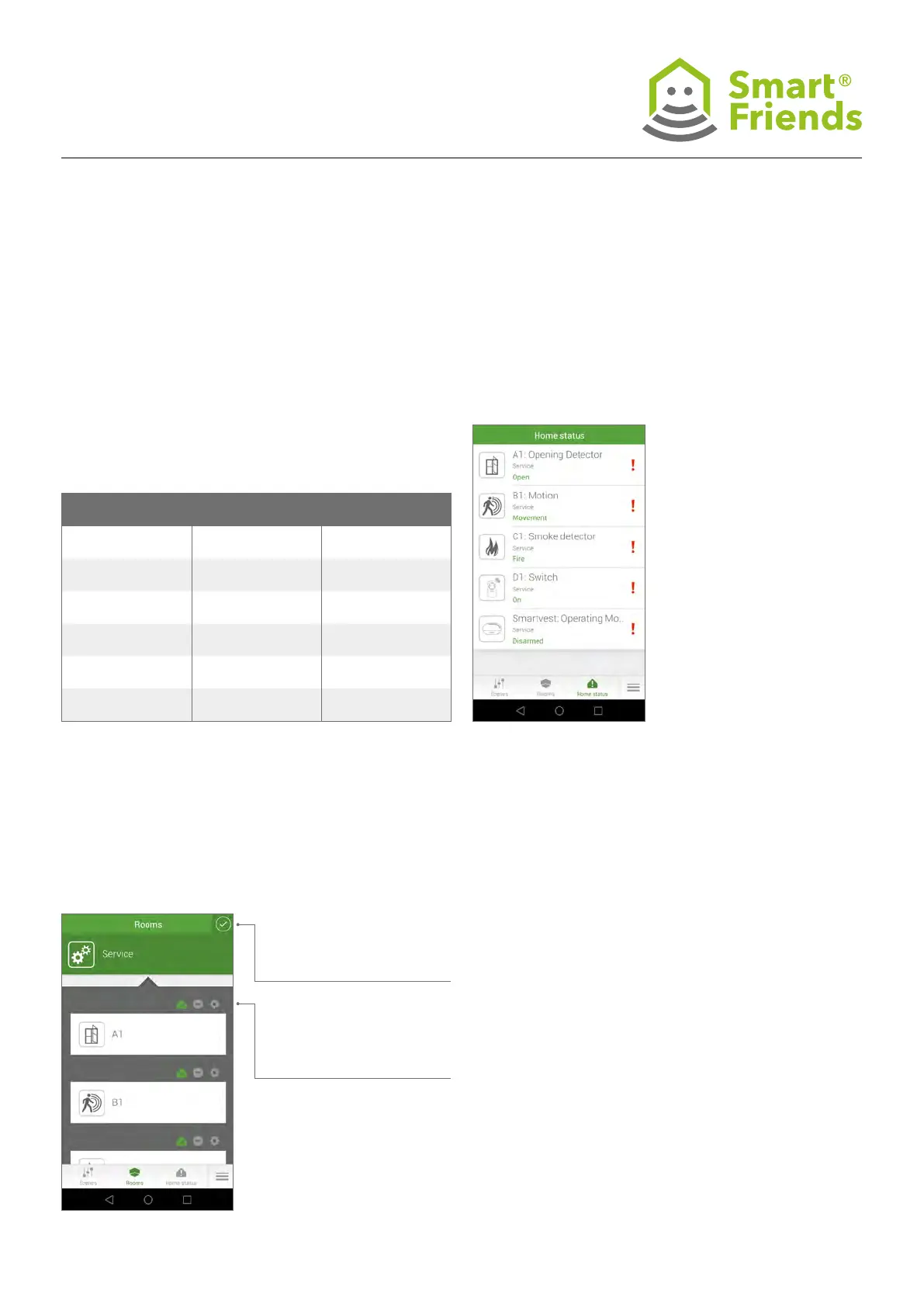
In the Home status view, you are given an overview of all the
components whose current status is classed as “critical”.
If their status changes to “non-critical”, the components will
no longer be included in this overview.
ABUS products are already precongured for you.
A3: ABUS products in the “Home status” view
A3.2
Should you wish to alter the precongured settings for the
home status, switch to the Rooms view for the component in
question.
Select the pencil icon to
switch to the programming
mode.
Then select the home status
icon to switch to the specic
component’s settings.
Product Critical status Non-critical status
Smartvest Alarm Panel Disarmed/Alarm/Failure
Armed/Part set/
No alarm/No failure
Smartvest
Opening Detector
Open/Failure Closed/No failure
Smartvest
Motion Detector
Movement/Failure
No movement/
No failure
Smartvest
Smoke Detector
Fire/Failure No re/No failure
Smartvest Socket On/Failure Off/No failure
Camera New images No new images



 To Next Page