90
Installation instructions
ST4.1
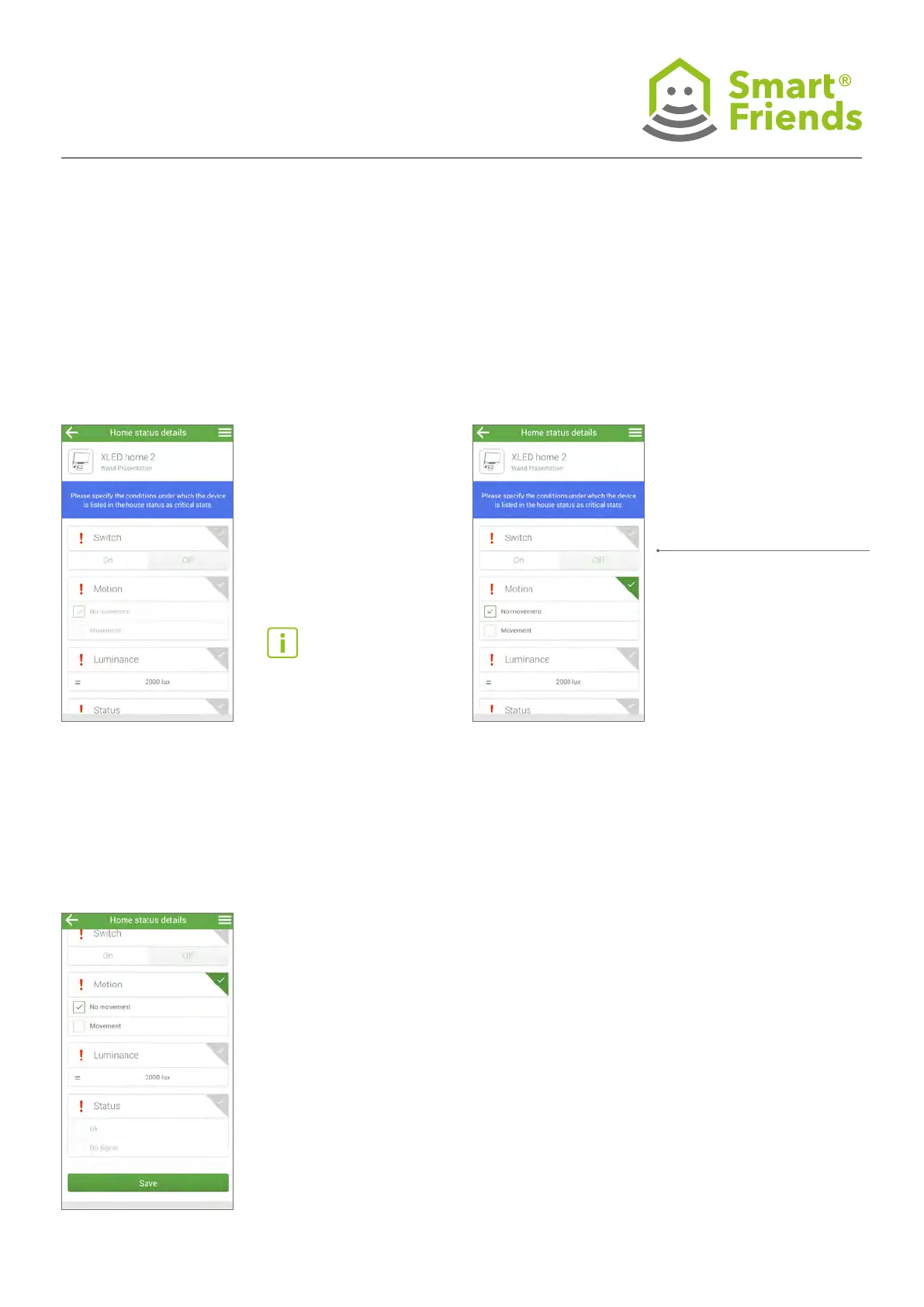
The “Home status” view provides an overview of all compo-
nents whose sensor status needs to be displayed.
ST4.2
Click on a tick symbol if you wish to display a component
under “Home status”. The tick then turns green.
If the status changes, the
components will no longer
appear in this overview.
Click on a tick symbol
if you no longer wish to
display a component
under “Home status”.
The tick then turns grey.
ST4: STEINEL products in the “Home status” view
ST4.3
Conrm the setting by clicking Save.



 To Next Page