82
Installation instructions
P5.1
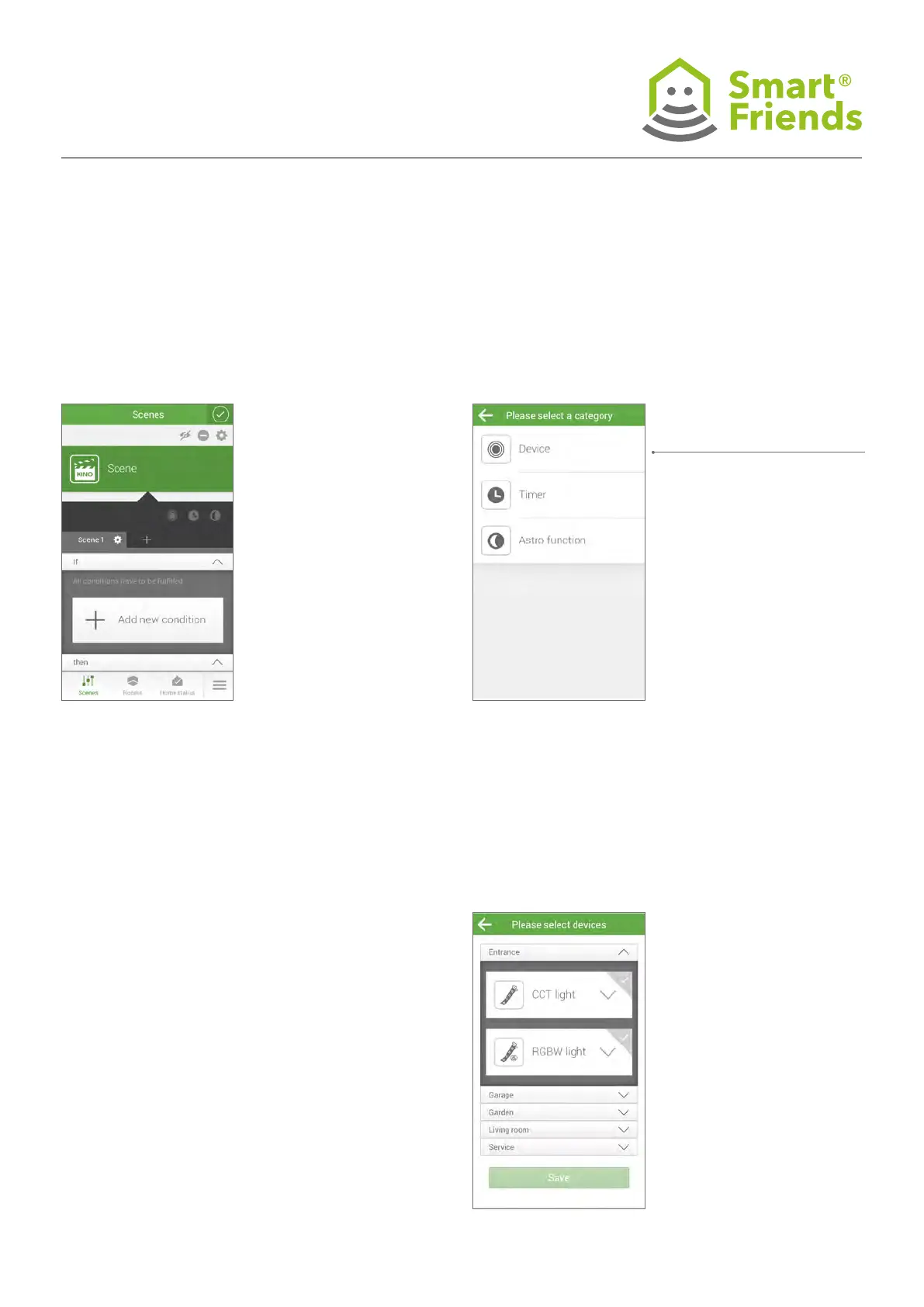
Creating a scenario
P5.2
Device selection for If component possible:
P5.3
Select the device for the If component based on the room
allocation and chosen control position (saving necessary!)
If component: The following statuses can be used as an
actuator in the “If” component of a scenario:
Switch: On / Off as well as < - > toggle
P5: Paulmann products in the “Scenarios” view
Under Device, you can also
selection a Paulmann device.



 To Next Page