83
Installation instructions
P5.4
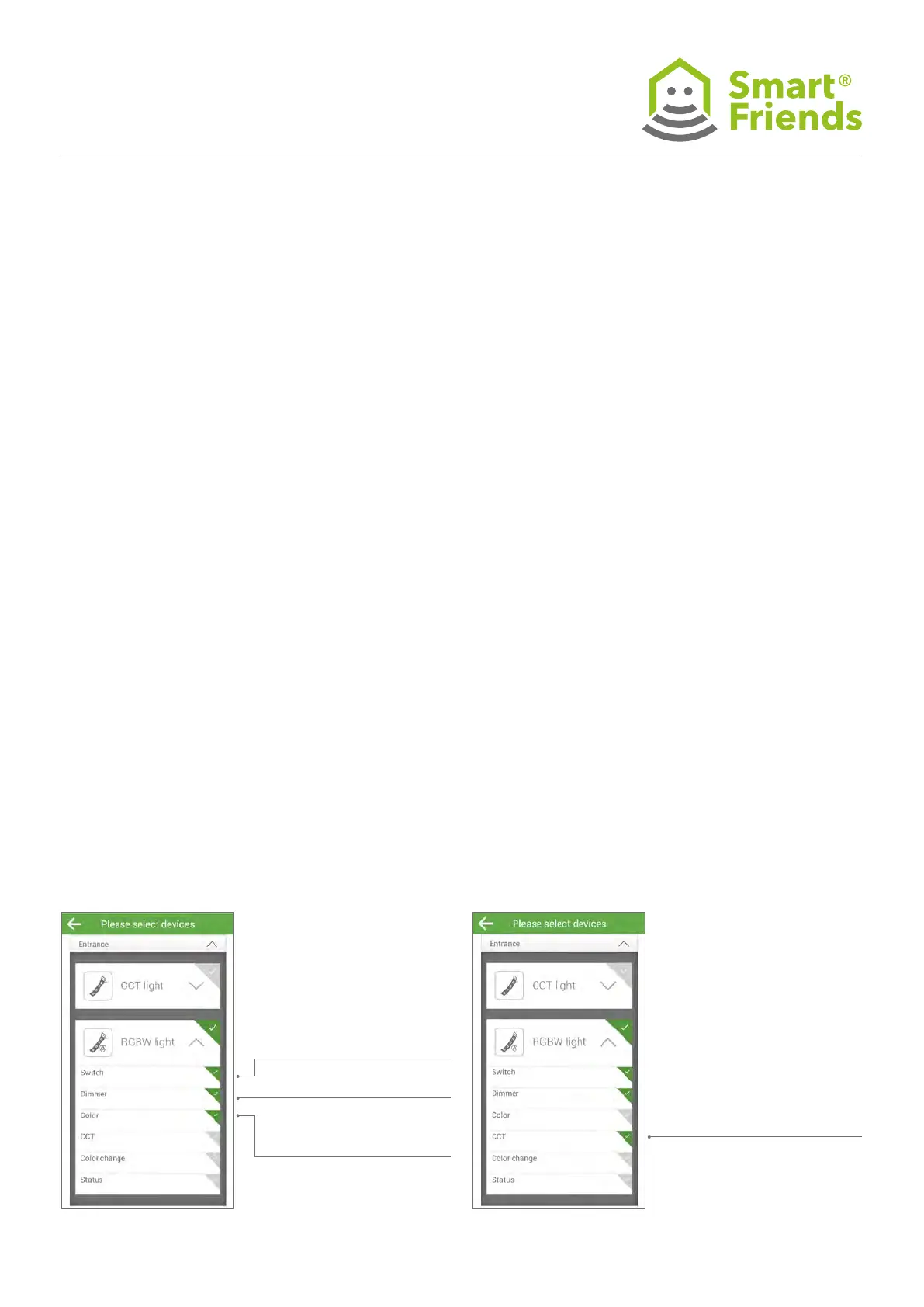
Then component: Different functions can be selected,
depending on the device type:
- On/Off as well as < - > toggle between one setting
and another.
- Dimming from 0-100%
- RGB colour selection (click on eld to open sub-menu)
- Light colour selection (click on eld to open sub-menu)
- Automatic colour change selection
(On = “Colour change is active”); once the colour change
has been activated, the speed at which it changes can
also be adjusted.
P5.5
Example settings for switching, dimming and
colour change (RGB)
P5.6
Example settings for switching, dimming and
light colour change (CCT)
On/Off as well as < - > toggle
between one setting and
another
Dimming from 0-100%
RGB colour selection (click on
eld to open sub-menu)
Light colour selection (click
on eld to open sub-menu)



 To Next Page