84
Installation instructions
P5.7
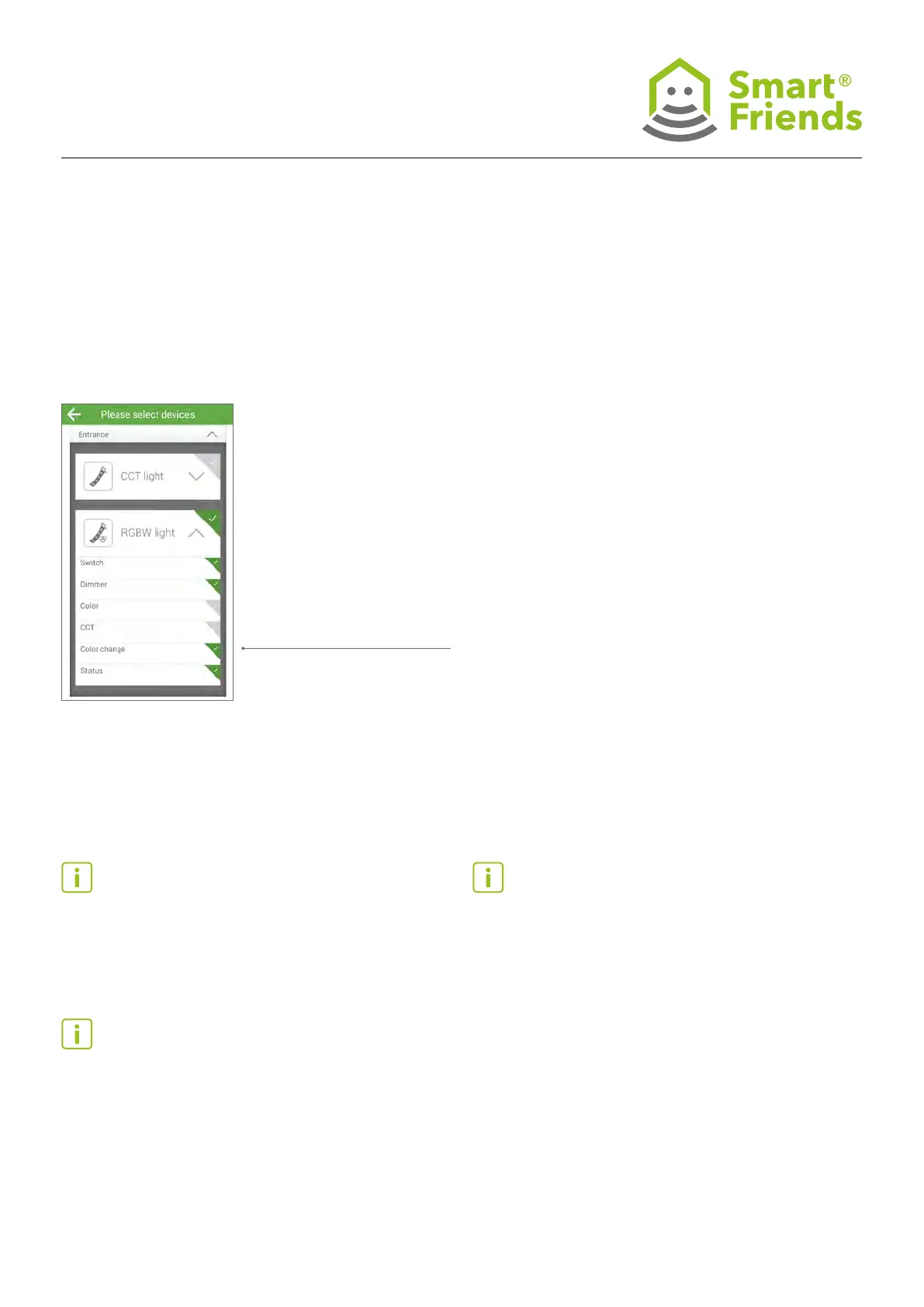
Example setting for switching and dimming with
automatic colour change activated
Automatic colour change
selection (On = “Colour
change is active”); once the
colour change has been
activated, the speed at
which it changes can also be
adjusted.
To determine the chosen settings for each device and create
scenarios, proceed as described in section 5.12 on page 17.
Note: Make sure that you do not congure any mutually
exclusive functions! For example, a luminaire cannot be
congured to colour: red and CCT: 2700 K or colour change:
On at the same time – these selection criteria would cancel
each other out.
Note: Always use the Switch option to determine your Then
component! Otherwise, a previously switched off lamp or
luminaire could be, e.g., congured to a different colour
setting, but remain switched off. The effect would then only
be noticeable the next time the device is switched on, e.g. via
remote control.
Tip: Use the Switch option: Toggle for all cases in which you
want to force a change in status independently of the current
status of the lamp or luminaire.



 To Next Page