79
Installation instructions
P4: Further installation information about Paulmann products
P4.1
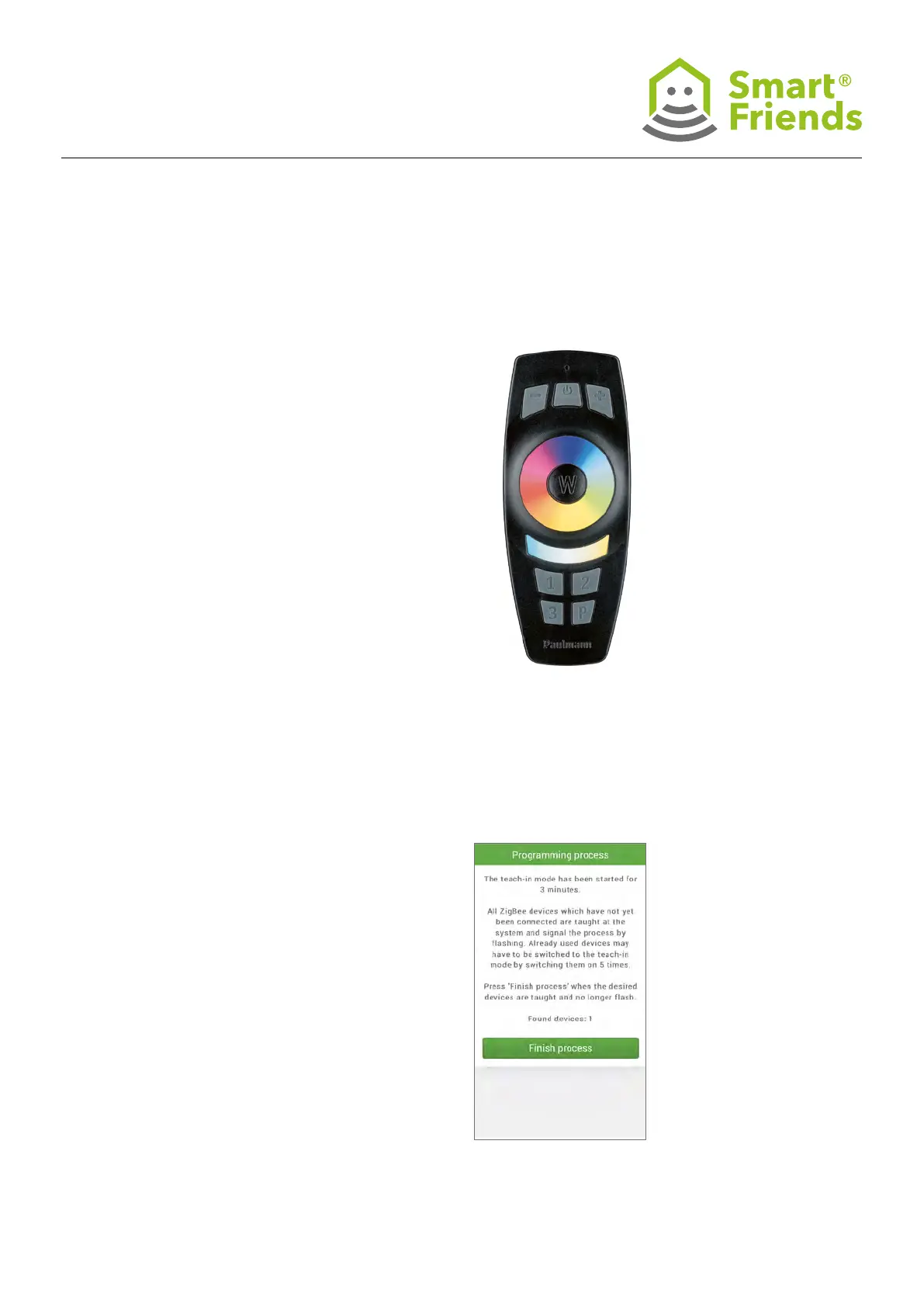
Remote control – Further information about pairing the
remote control with the Smart Friends Box:
If the remote control and the gateway are to be used togeth-
er to control devices, the remote control must rst be paired
with the gateway.
A Paulmann ZigBee remote control can be paired with the
Smart Friends Box when it is in the default setting. If this is
not the case (e.g. if it has already been used to control devic-
es directly), it must rst be restored to factory settings
(see P4.3).
P4.2
From the Rooms menu, select the Service area to which you
want to allocate the remote control (Note: without room
allocation, the remote control can also be used remotely, as
long as it is within range of the Smart Friends Box). Click on
the pencil symbol to enter editing mode.
Click on + Add new device and then on Add ZigBee device
(see above). The pairing process will now start.



 To Next Page