46
Installation instructions
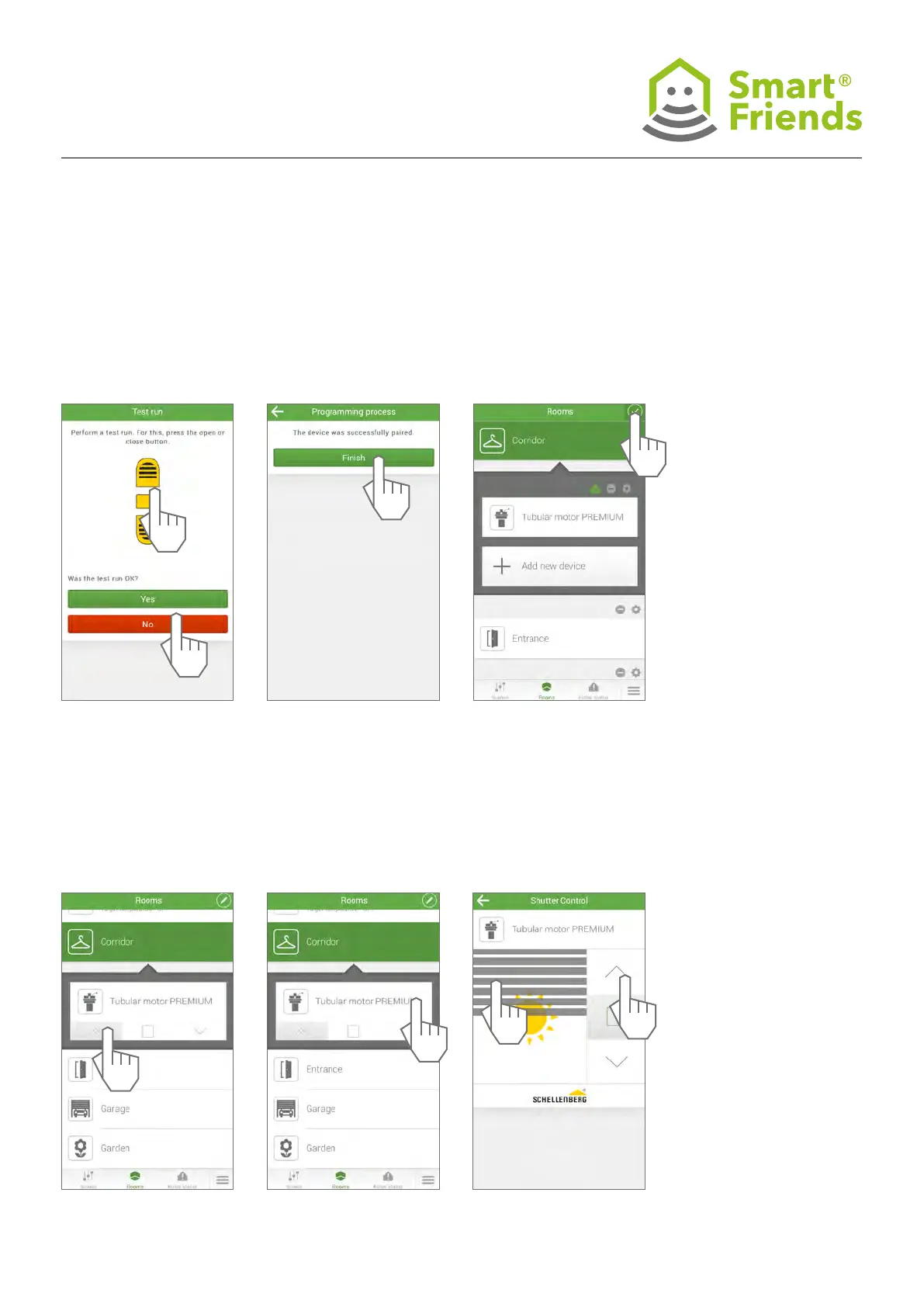
SC3.6 SC3.7
SC3.9
Control the product via the
Rooms view.
SC3.10
Select the detail view for
further control options.
SC3.11
You can use the roller shut-
ter (A) or the arrow buttons
(B) to control the device.
SC3.8
Exit the programming mode.
1
B
2
A



 To Next Page