49
Installation instructions
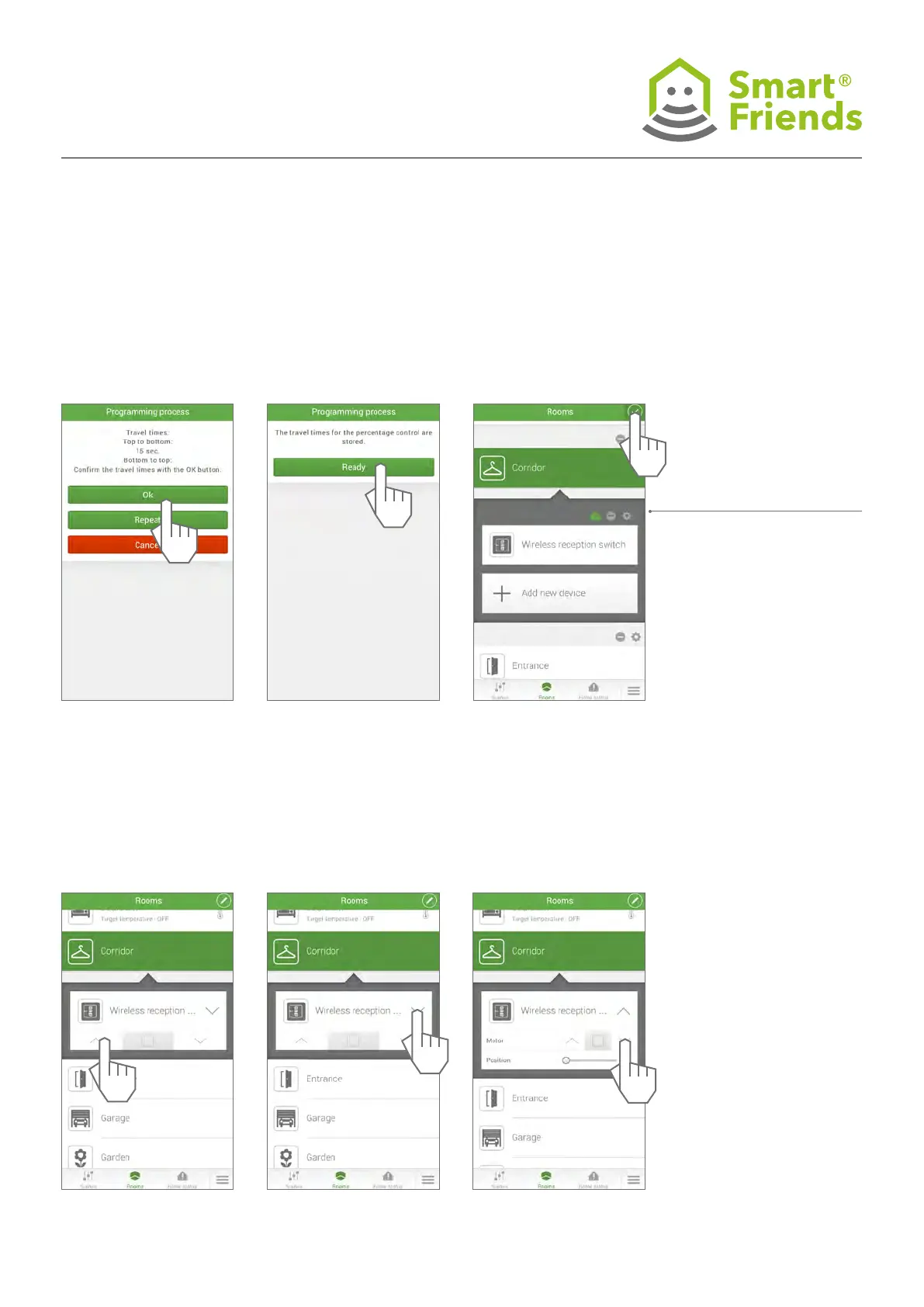
SC4.18
Control the product via the
Rooms view.
SC4.19
Open the menu for further
control options.
SC4.20
The roller shutter’s travel
times can be readjusted in
the settings at any time.
SC4.15 SC4.16 SC4.17
Exit the programming mode.



 To Next Page