71
Installation instructions
SC14.12
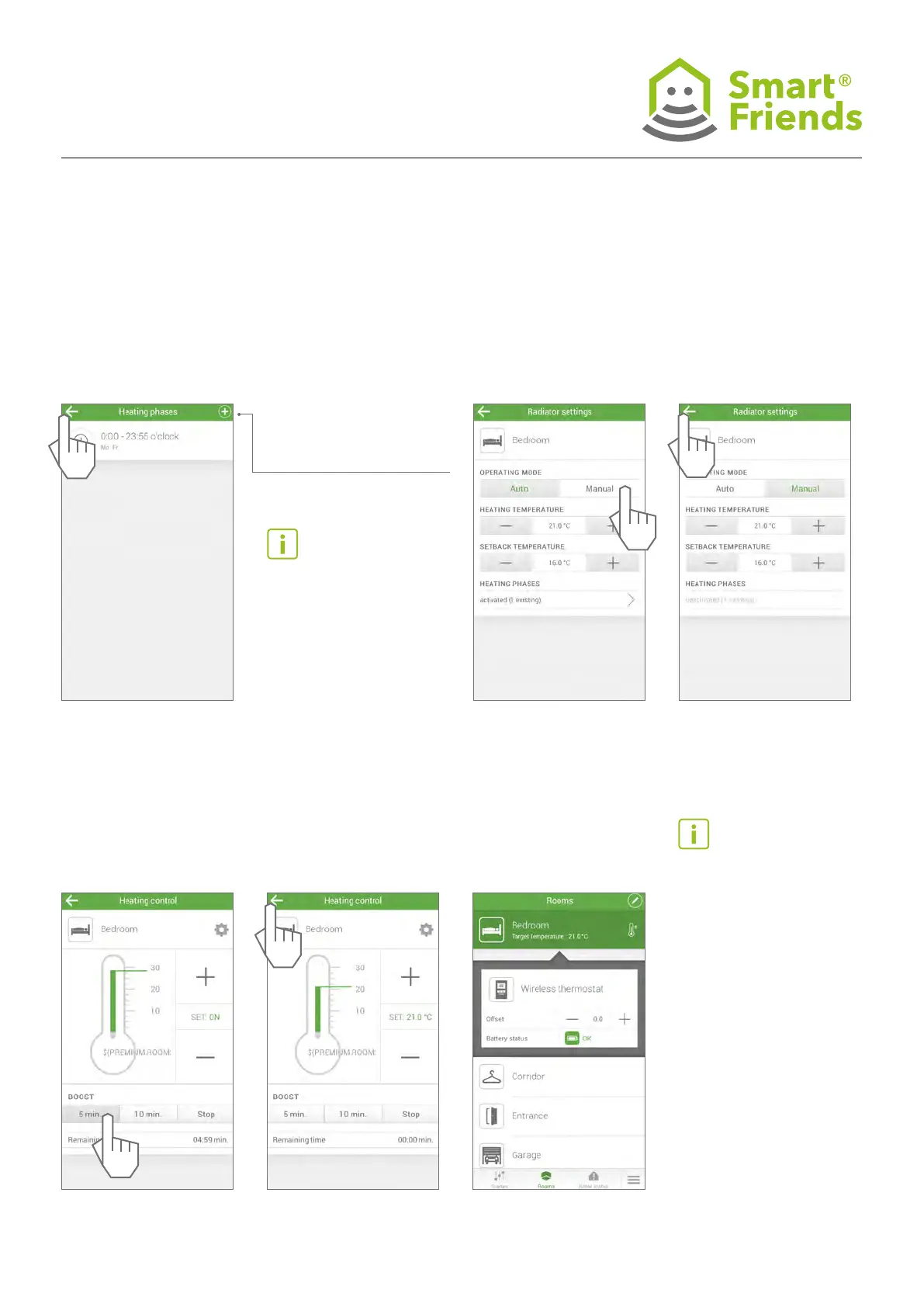
Exit the set-up of the heating
phases.
SC14.13
Set the room temperature
manually.
SC14.14
SC14.16
After the time has elapsed,
the temperature previously set
is automatically displayed.
SC14.17
Note:
Only heating phases are set
up here.
Energy-saving phases auto-
matically take place between
the heating phases.
Set up additional heating
phases.
Offset:
Individual, time-limited
change in the temperature
of a wireless thermostat by
max. +/- 5°C. After switching
to a heating or energy-sav-
ing phase, the programmed
heating or energy-saving
temperature is restored.
The offset is not displayed
on either the device or the
single-room control.
The offset is automatically
terminated by the subse-
quent heating or energy-sav-
SC14.15
Briey set the thermostat to
the maximum temperature
(boost function).



 To Next Page