73
Installation instructions
P1.5
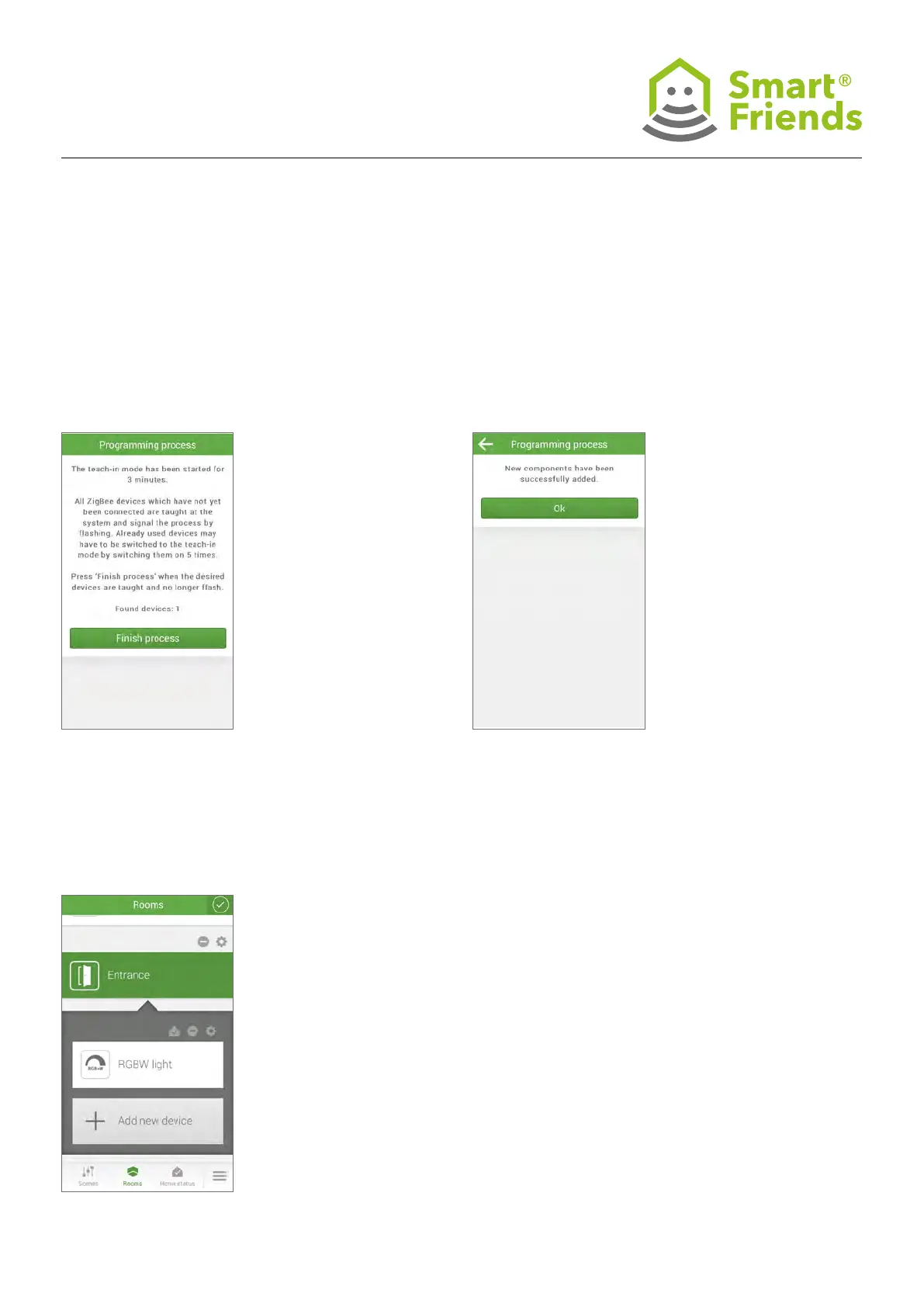
The pairing process will now proceed automatically.
All devices connected to a power supply can now be found.
P1.7
You can now exit the pairing process by clicking
on the checkbox symbol in the top right.
P1.6
Once all devices have been found and pairing has been
conrmed, you can exit the pairing process by clicking
Finish process.
A conrmation will appear
informing you that the pair-
ing process was successful.
Devices such as battery-pow-
ered devices must be
manually switched to pairing
mode. To do so, see the ex-
planation for the respective
device in section P4 or the
accompanying installation
instructions for the device.



 To Next Page