Need help?
Do you have a question about the Smartgen HAT530 and is the answer not in the manual?
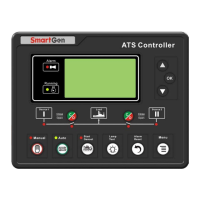
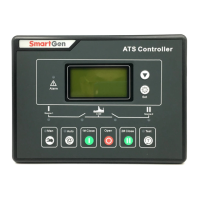
Describes the function of various LED indicators on the panel for status monitoring.
Explains how to configure the priority between power sources (e.g., Mains 1, Mains 2).
Describes how to set the controller for different AC system configurations (e.g., single-phase, three-phase).
Details how to set various delay timers for ATS transfer operations.
Explains the procedure to reset the controller's settings to their original factory values.
Lists all programmable parameters, their ranges, default values, and descriptions.
Details the specific functions assigned to the controller's output ports.
Describes how to switch the controller between automatic and manual operating modes.
Details each terminal, its function, and any remarks for wiring and connection.
 General
| Brand | Smartgen |
|---|---|
| Model | HAT530 |
| Category | Controller |
| Language | English |


 To Next Page