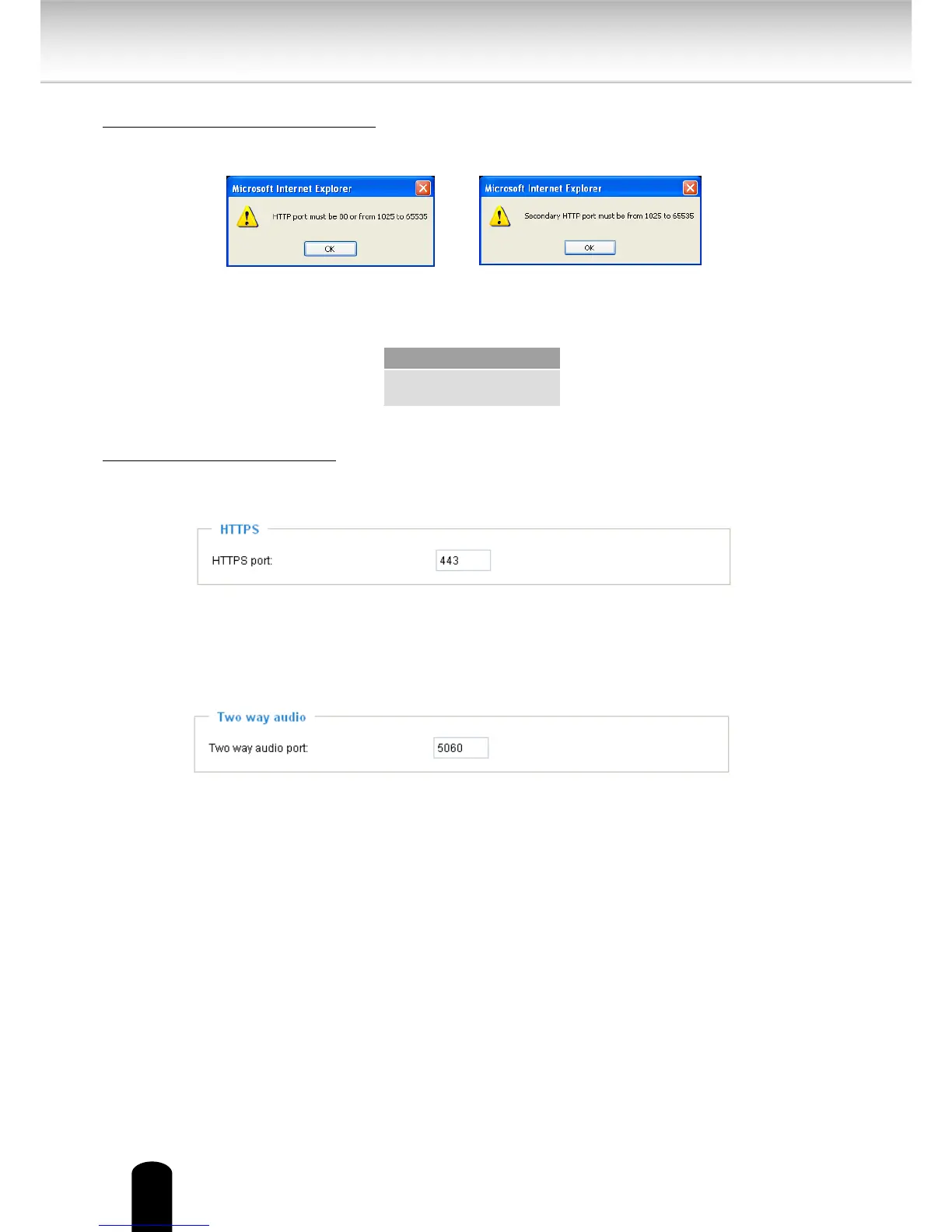
HTTP port / Secondary HTTP port: By default, the HTTP port is set to 80 and the secondary
HTTP port is set to 8080. They can also be assigned to another port number between 1025 and
65535. If the ports are incorrectly assigned, the following warning messages will be displayed:
To access the Network Camera on the LAN, both the HTTP port and secondary HTTP port can
be used to access the Network Camera. For example, when the HTTP port is set to 80 and
the secondary HTTP port is set to 8080, refer to the list below for the Network Camera’s IP
address.
Access name for stream 1 ~ 5: This Network camera supports multiple streams simultaneously.
The access name is used to dierentiate the streaming source. Users can click Conguration >
Audio and Video > Video Settings to set up the video quality of linked streams.
HTTPS
By default, the HTTPS port is set to 443. It can also be assigned to another port number
between 1025 and 65535.
Two way audio
By default, the two way audio port is set to 5060. Also, it can also be assigned to another port
number between 1025 and 65535.
The Network Camera supports two way audio communication so that operators can transmit
and receive audio simultaneously. By using the Network Camera’s built-in or external
microphone and an external speaker, you can communicate with people around the Network
Camera.


 To Next Page