HRX-OM-O021
Chapter 5 Display and setting of various functions
5.15 Alarm customize function HRS Series
5-48
Range over detection timer; Setting and Checking
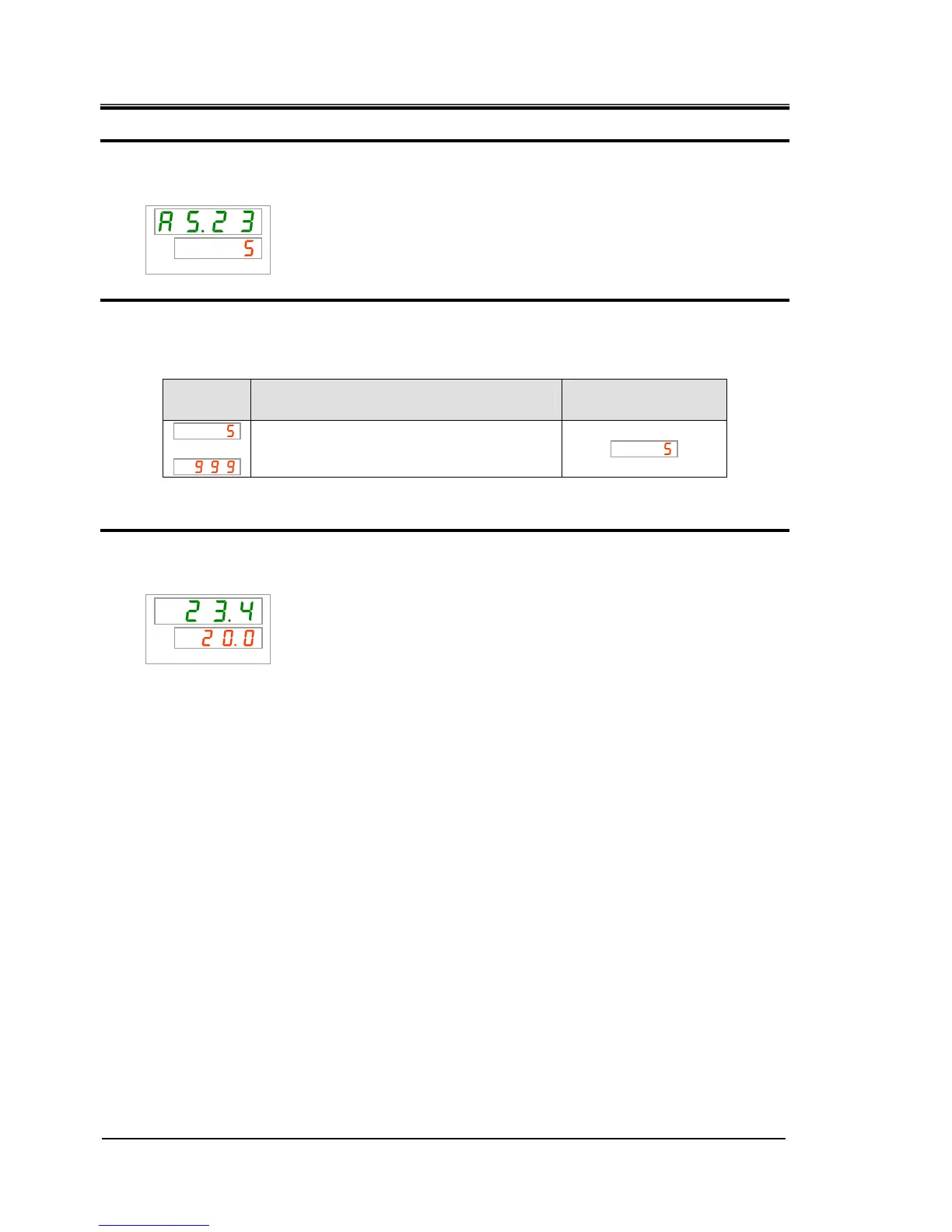
45. Press the [SEL] key once.
Setting screen of the range over detection timer is displayed on the digital display.
PV
SV
46. Select range over detection timer from the table below with [▲] key or [▼] key, and
confirm by pressing “SEL”.
Table 5.15-24 List of set value
Set value Explanation
Initial value
(Default setting)
to
Sets time from detecting the alarm to
generation of the alarm.
Setting unit is 1 second.
∗ Settings of this function and example of alarm generating timing for 5.15.3 "Setting of
temperature alarm monitoring method and generation timing".
47. Press the [MENU] key once.
Return to the main screen (screen displaying the circulating fluid temperature).
PV
SV


 To Next Page
 Loading...