BTP-P33 User’s Manual
- 12 -
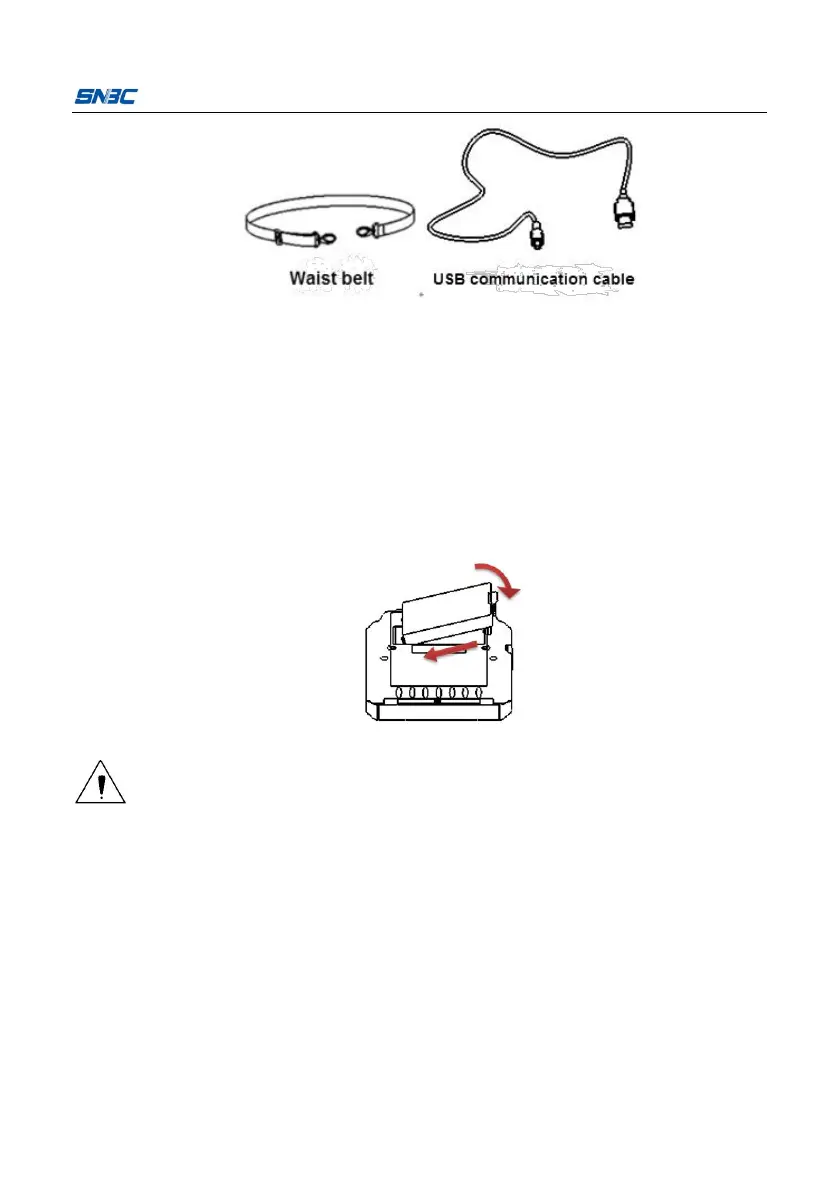
Waist bag: pack the printer in a waist bag and hang it to the waist
by using a waist belt.
Shoulder belt: pack the printer in a waist bag and hang it to the
shoulder by using a shoulder belt.
Install the battery into the battery cabinet in place as shown in the figure
and press it down to fully fit the printer.
Caution:
If the printer will be not used for a long time, please take out the
Replace the battery with a wrong type may cause an explosion, please
make sure the battery is well disposed after use.
4.3 Interface cable connection
Connect the charger / USB connector to the USB interface as shown in the



 To Next Page