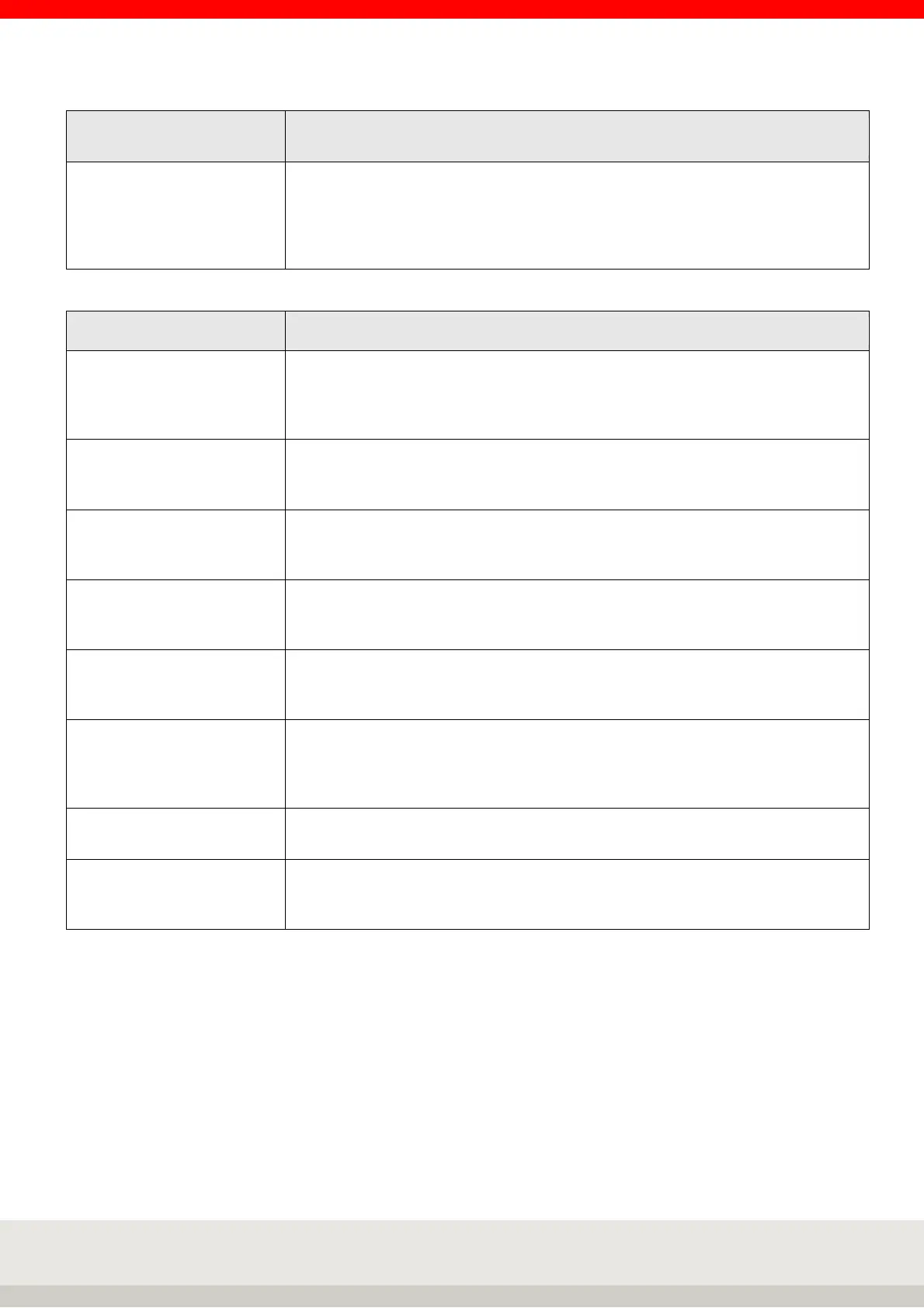
6
Ethernet
(Further details see also interface description 470.508.090)
Deactivate MAC Address-
bypass
Selection
off or on
Automatic transmission of UDP-MAB message for recognition of our scale (for
content, see User Mode 470.702.112)
Factory setting: off
7 Print template
Request printout (OK) Selection on or off.
With On, after each printout, you are asked whether the printout was OK.
If this is denied, the printout is repeated until OK is confirmed.
Factory setting: off.
Print when G+T = 0 Selection on or off.
Off: No printout if scale is empty.
Factory setting: on
Decimal separator Selection
Comma, dot or no.
Factory setting: Decimal point
Thousands separator Selection
Comma, dot or no.
Factory setting: none
Hide unit Selection on or off.
Off: Unit is not suppressed.
Factory setting: off
Consecutive number
print key
Input
The number for the first print image can be entered here. If the value zero is
entered, the function is not active. As of number 1, the value is increased by one
after each output using the print key.
Clear values after printout Input
Operation according to interface description 470.508.090
Factory settings Selection
Do not execute: Individual settings for print image settings are retained
Execute: Resets the print image setting to the factory setting.



 To Next Page