5.9 Hold function
In setting mode, a hold function can be activated separately for each connected measuring point
Setting mode / Scale / Scale parameters / Hold mode.
The following hold functions are available for selection:
> Not active: Hold is deactivated.
> Still/key: Hold at standstill outside empty message,
Cancel by pressing the power button
> Still/empty: Hold at standstill outside empty message,
Cancel by relieving the load on the scale
> Max/key: Hold at maximum reached value with stability outside empty signal,
higher weight sets new hold, cancel by switch-on button
> Max/empty: Hold at maximum reached value with stability outside empty signal,
higher weight sets new Hold, lift by relieving the scale
> Drag/key: Hold at each increase of the weight without stability outside empty message,
higher weight sets new hold,
Cancel by pressing the power button
> Drag/Empty: Hold at every increase of the weight without stability outside empty signal,
higher weight sets new hold,
Cancel by relieving the scale.
This function is effective in all application programs.
To activate the selected setting of the hold function, the terminal must first be restarted.
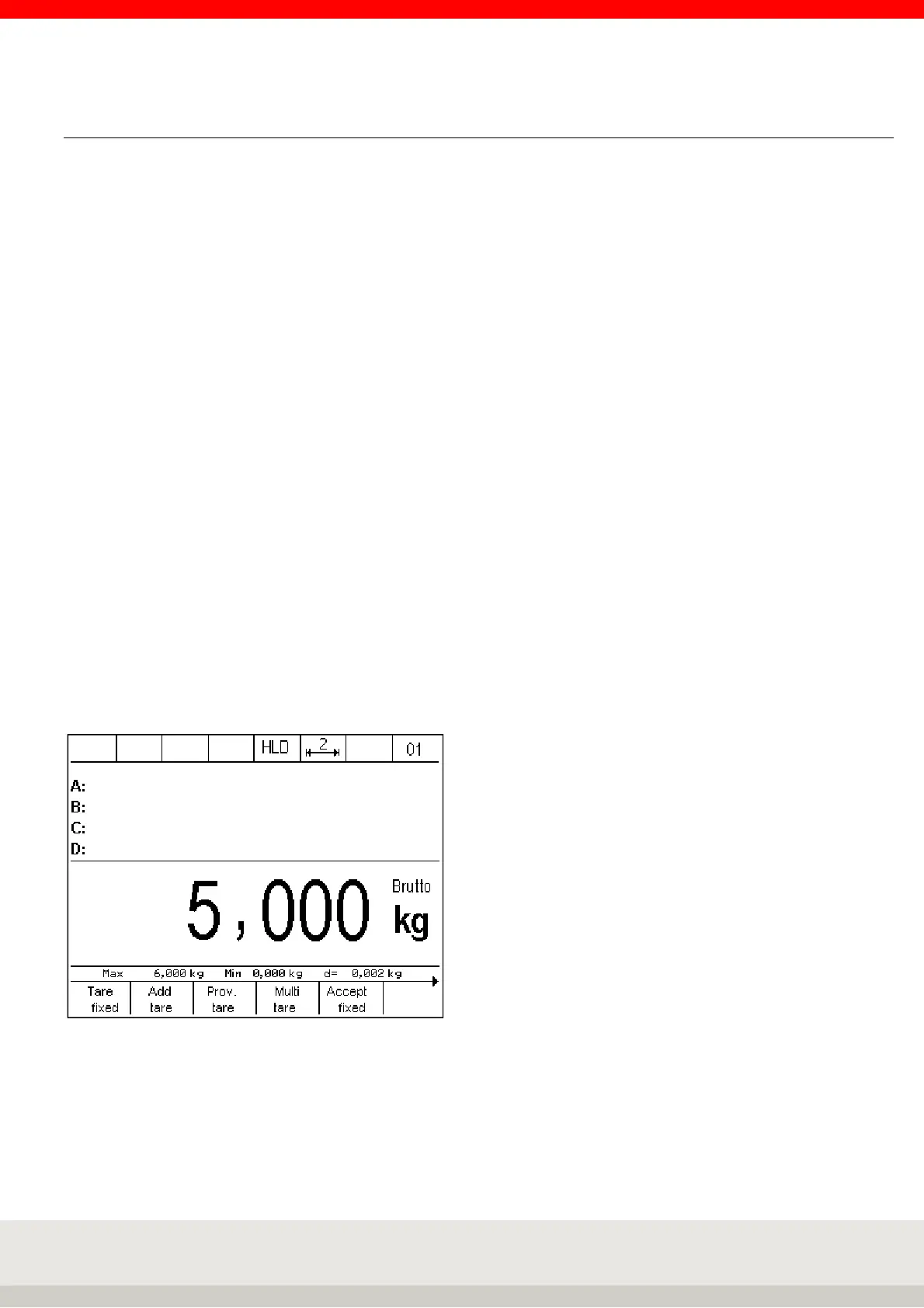
When the hold function is activated, holding a weight value in the toolbar is indicated by the HLD symbol in
the toolbar.



 To Next Page