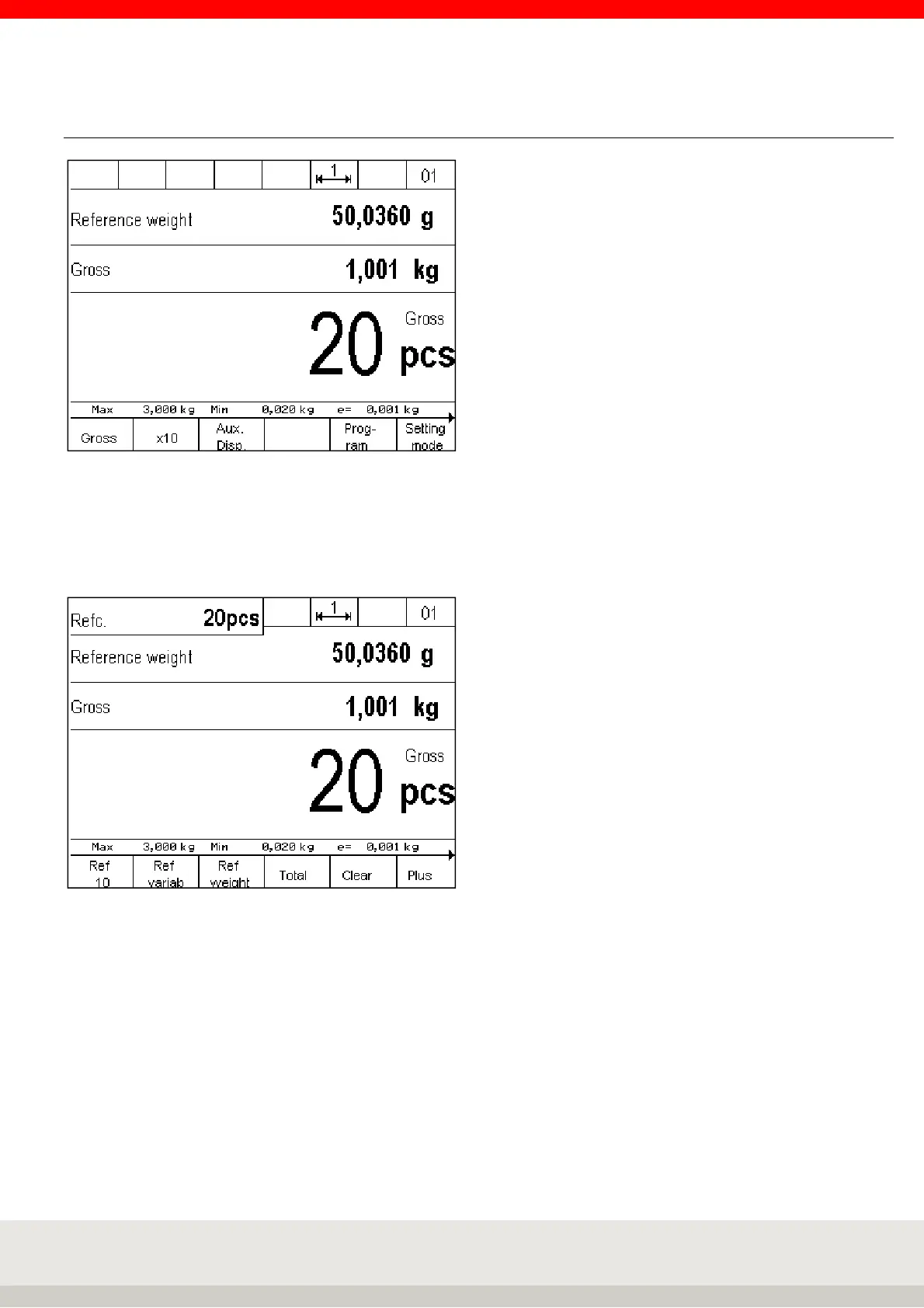
6.7.2 Display view Counting
Hint: To additionally display, for example, the reference quantity, the x10 resolution or the tare weight, you
can activate an additional auxiliary display by pressing the F3 key. You can set the value to be displayed in
the auxiliary display in the setting mode under Setting mode / Terminal / Display / Auxiliary display.
Illustration auxiliary display with reference quantity



 To Next Page