Item counter
The item counter only counts the actually totalled transactions. For each new transaction with plus, manual
or automatic totalisation, the transaction counter is incremented by 1. The transaction counter runs to 999,
followed by an error message. In the case of reversal, the item counter is reduced by 1.
The item counter is automatically set to zero when the total is deleted.
Print-triggering keys
The Plus, Reversal and Total keys can trigger document printing.
The prerequisite is that a print screen has been defined for the respective key.
The "Display, print and delete" option must be selected for the total key in the Total key function setting
mode.
Display current totals
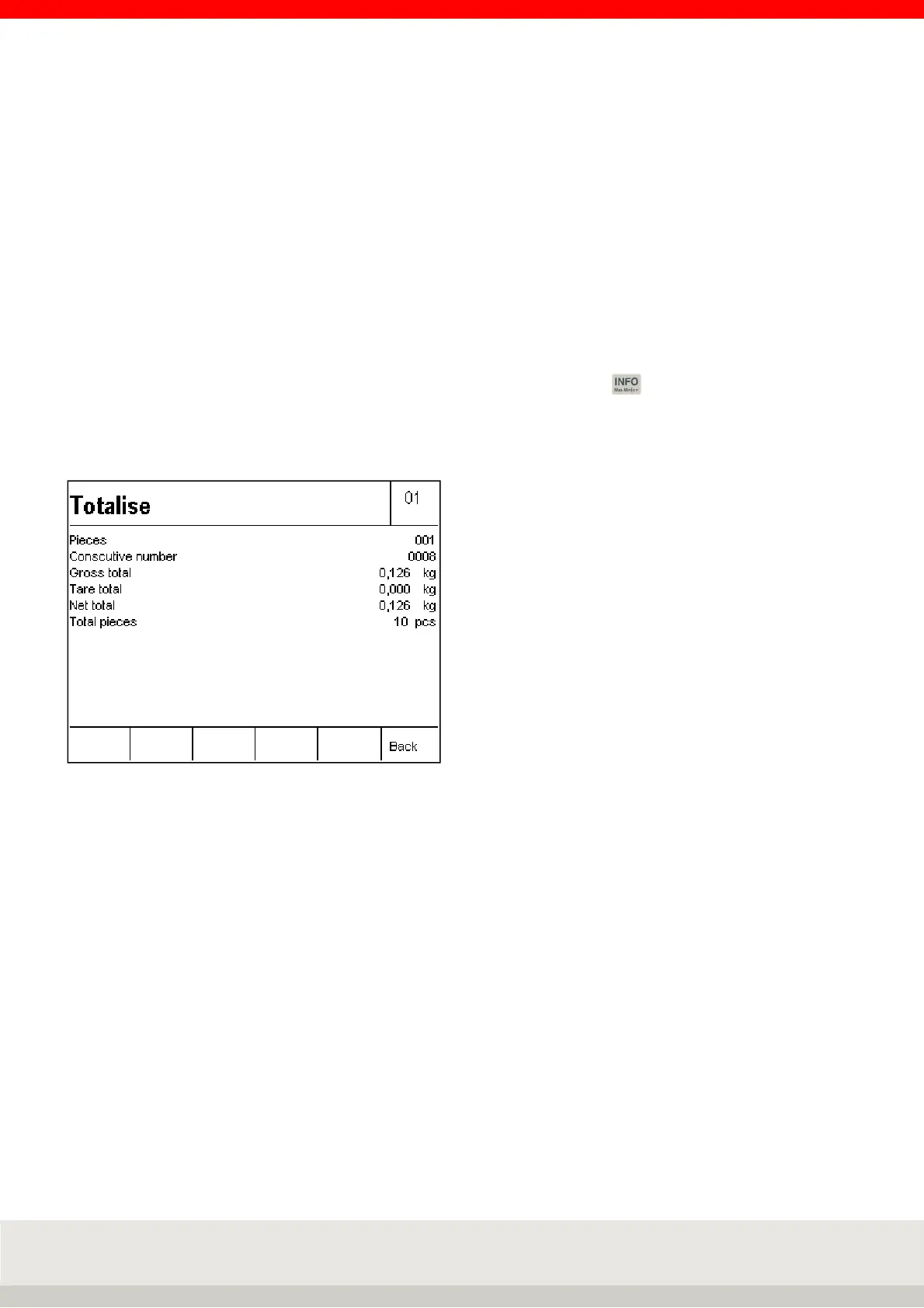
Within a total, you can display the total values achieved, by pressing the key and then the F4 Sum key
one after the other.
You can delete the totals by pressing the F2 Total key, delete the F1 consecutive no. key F1 (if activated in
the setting mode), or return to the totalling mode by pressing the F6 key.



 To Next Page