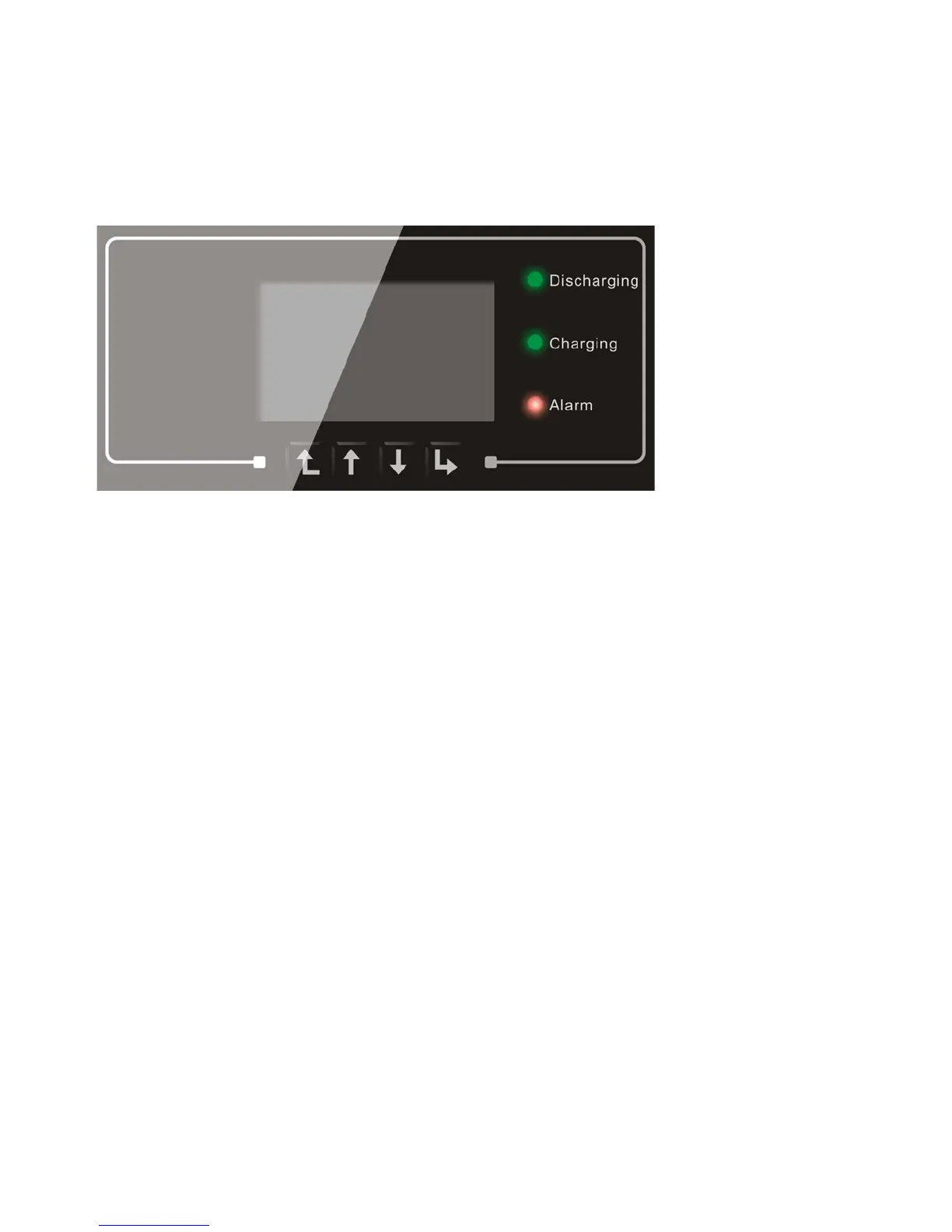
5. Buttons and indicator lights
Discharging Status Light
Charging Status Light
Alarm Light
Back Up Down OK
Fig 14. Buttons and indicator lights
5.1 Buttons:
press “Back” to the previous screen or enter the main interface;
press “Up” to the upper menu option or value plus 1;
press “Down” to the lower menu option or value minus 1;
Press “OK” to select the current menu option or switch to the next digit.
5.2 Indicator lights:
Discharging status Light(Green)
Discharging light ON: discharging the battery
Charging status Light(Green)
Charging light ON: charging the battery
Alarm light(Red)
Alarm light ON: there’re some events in current event list.



 To Next Page