51
en
Device Settings
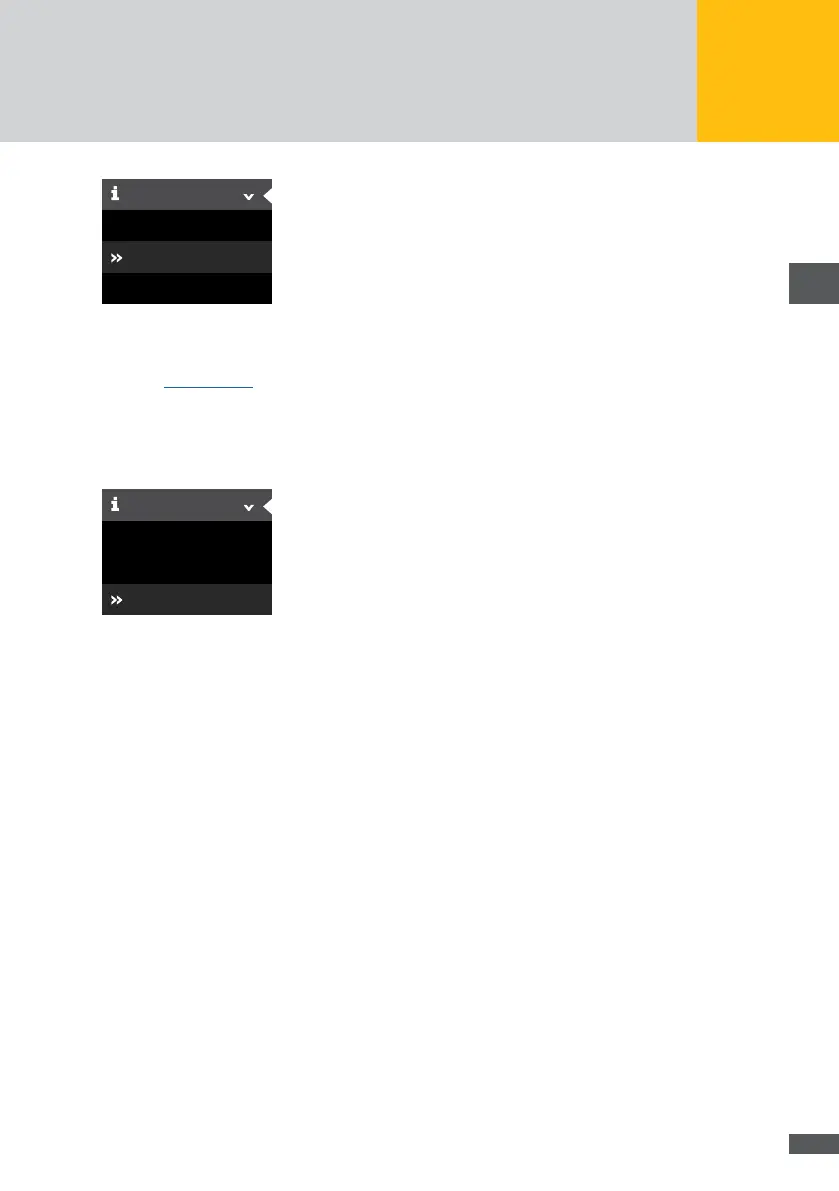
External devices
Add/Remove
Devices
Fig. 47: Add / Remove device
You can dene search settings to show and remove devices found. For a detailed descrip-
tion, see Section 6.5.3.
External devices
Select “Devices > External devices” in the MaxWeb XPN menu to specify settings for
external devices.
Device Settings
External devices
Add/Remove
Devices
Fig. 48: External devices menu
The following devices can be congured in this menu:
MaxRemote enables network providers to temporarily reduce the active power of
their PV plant remotely to prevent overload of the electricity network. MaxRemote
must be activated by the Customer Support.
Linear irradiance sensors operating within a current range of 4 – 20 mA.
Linear temperature sensors operating within a current range of 4 – 20 mA.
Incoming alarms
MaxDisplay
S0 interface for electricity meters
MaxRemote provides the network operator with the possibility to remotely reduce the
effective power of his PV plant temporarily in order to prevent an overload of the power
grid. MaxRemote needs to be enabled by the support. The following parameters can be
congured for MaxRemote:



 To Next Page