61
en
Basic Settings
General
Connections
Personal Settings
Fig. 60: Connection settings of the MaxWeb XPN
For a detailed description of the “Network settings” and “Wi-Fi settings” menus, see
Section 6.5.1.
If a MaxModul device is connected to the MaxWeb XPN, a menu for the conguration of
the MaxModul will appear. This menu is described in detail in the corresponding manual
of the MaxModul.
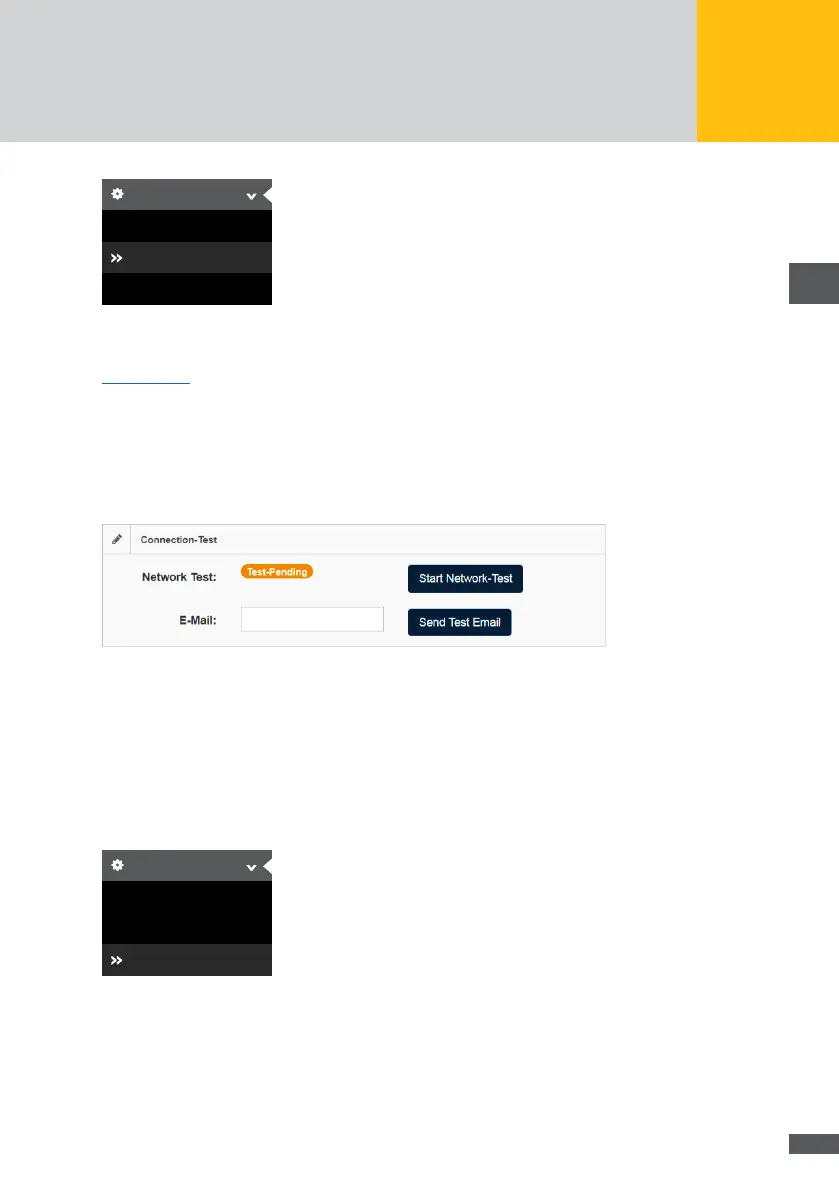
In the “Network test” menu, you can start a network or email test.
Fig. 61: Network test
Enter in the “Email” eld the email address to which a test email is to be sent. Then click
on the Send test email button to send the test email.
Click on the Start network test button to test the connection to the SolarMax Portal.
Personal settings
Select the “Basic settings > Personal settings” menu of the MaxWeb XPN to change the
password.
Basic Settings
General
Connections
Personal Settings
Fig. 62: Personal settings of the MaxWeb XPN
You have the possibility to congure the following personal data:



 To Next Page