60
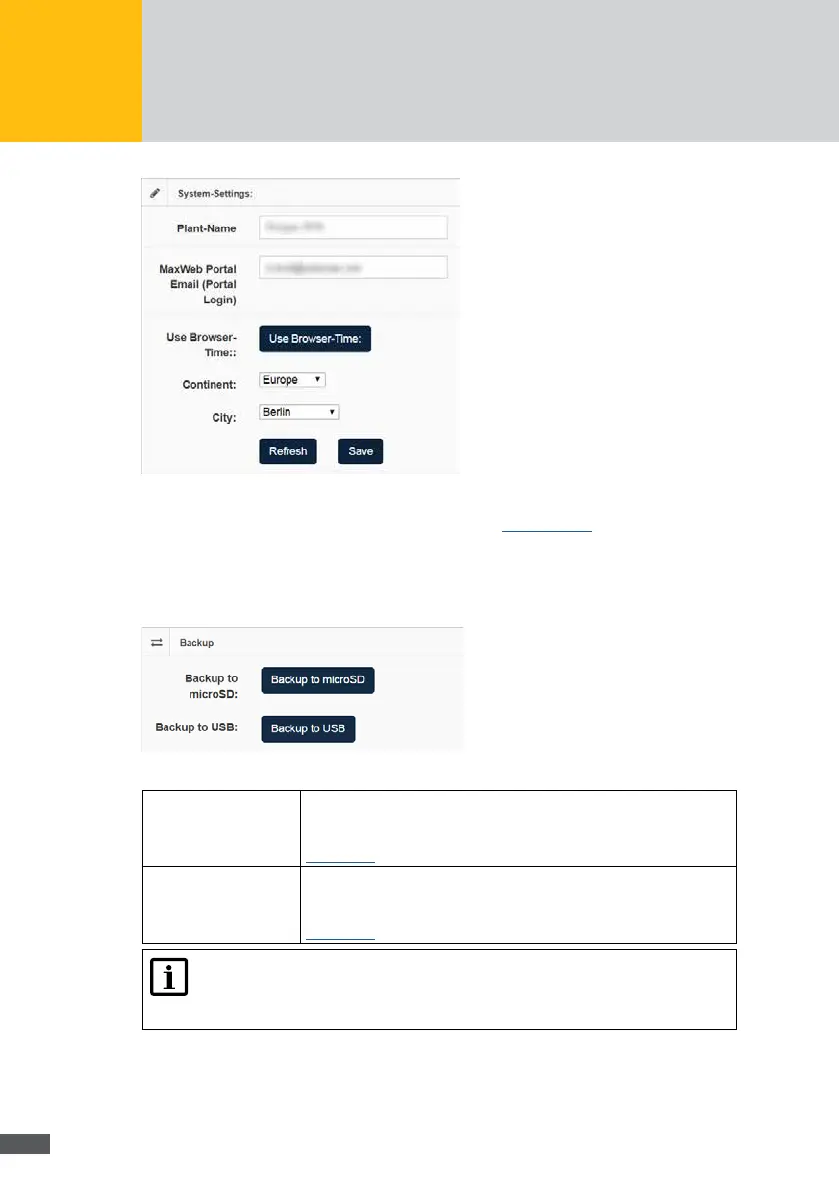
Fig. 58: System settings of the MaxWeb XPN
For a detailed description of the system settings, see Section 6.5.2.
In the “Backup” and “Restore” menus, you can produce backups on a microSD card or a
USB ash drive and install them from there.
Fig. 59: Backup / Restore data of the MaxWeb XPN
Backup to microSD: Click on the Backup to microSD button to produce a backup of the
MaxWeb XPN data. To this end, insert an FAT32-formatted, empty
microSD card into the slot on the back of the MaxWeb XPN (see
Section 3.2).
Backup to USB:
Click on the Backup to USB button to produce a backup of the
MaxWeb XPN data. To this end, insert an FAT32-formatted, empty
USB ash drive into the slot on the back of the MaxWeb XPN (see
Section 3.2).
Note
When producing a backup on an SD card or USB ash drive, all data stored
on them will be lost.
Connections
Select the “Basic settings > Connections” menu of the MaxWeb XPN to congure the
network and the WLAN or to start a network or email test.



 To Next Page