Introduction 7828 Density Transmitter Technical Manual
4-2 78285000_AB
4.3 STARTING ADVIEW
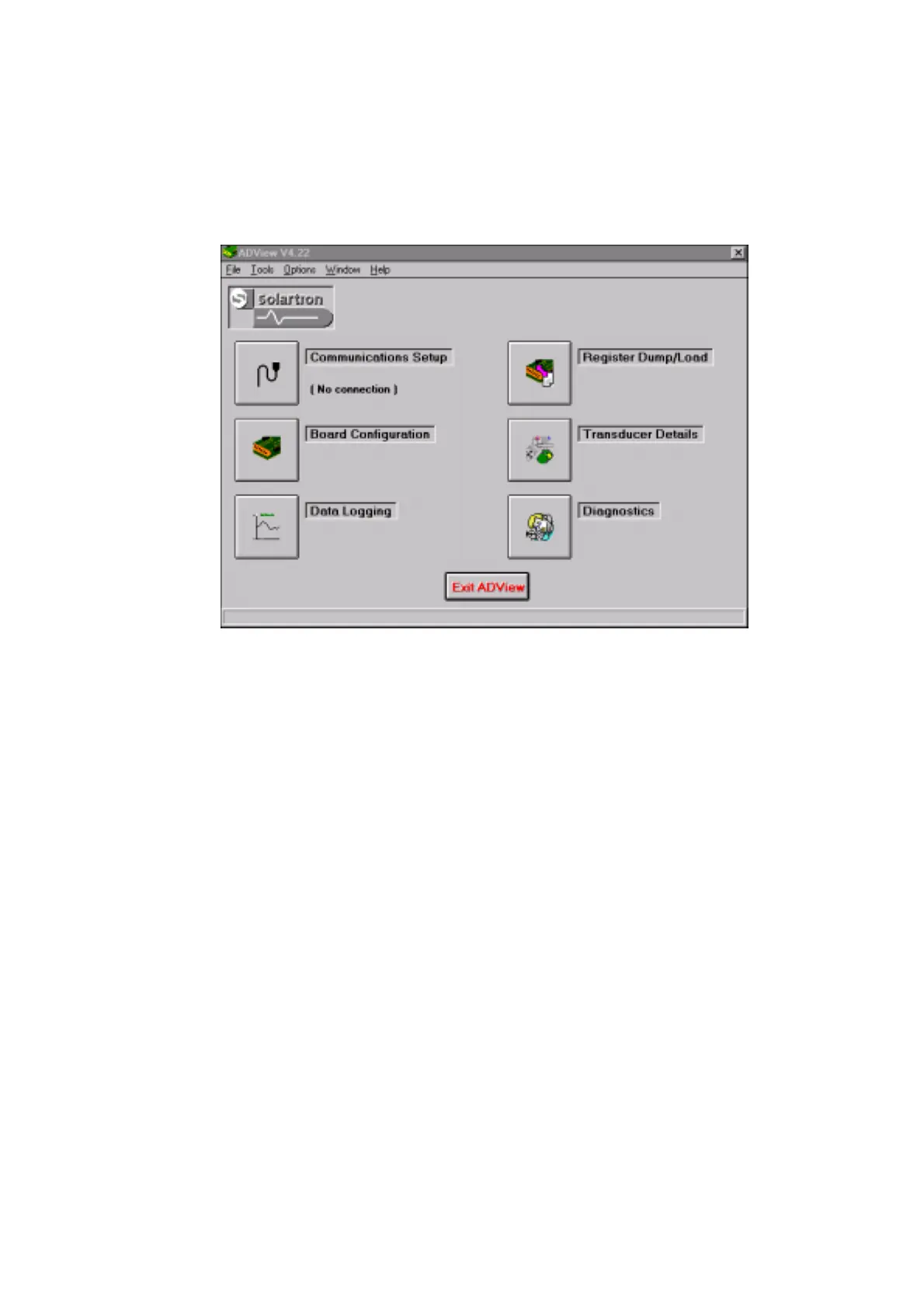
The installation process sets up a program group on your desktop. Double-click on the
ADView icon to start the program. The window shown below will appear.
Note: Developments in ADView may mean that the screen shots which illustrate this
section differ slightly from the ones you will see on your PC screen.
Each of the six icons gives you access to the various facilities of ADView. You can choose
to connect a Modbus device to one of the PC’s serial ports, or you can use ADView’s built
in simulation of a tube or fork density transmitter, such as the 7835 or 7828, to gain some
experience with the software.
To run the simulation, choose “Options - Simulate board response” from the menu bar,
and choose the ‘Fork densitometer’ option. When this is chosen, ADView ignores the
serial port, and supplies simulated data.
4.3.1 SETTING UP SERIAL COMMUNICATIONS
To operate with a real Modbus device, you will need to connect it to a suitable power
supply (see the technical manual for the device), and to a serial port on the PC (usually
via an RS485 (Modbus) to RS232 converter). The diagram below shows the connections
for a simple converter, although for permanent installations you may prefer to use a more
sophisticated converter which offers isolation between ports.
Full details for connecting to the RS485/Modbus link on 7828 are given in Section 3.



 To Next Page