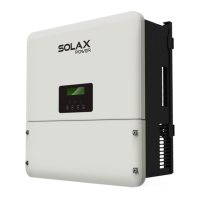
Firmware Upgrade
70
Step 2. After U disk plugged in, the system will start upgrading, and the three
indicator lights will ash in turns. (Operating indicator: green; battery indicator:
blue; Error indicator: Red). Wait approximately 10-15 seconds.
Step 3. After the LCD screen is turned o, the buzzer will make a beep sound,
and then the screen and three indicator lights will light up again and ash in
turns.
If the three indicators light up at the same time, it means that the upgrade
has been successful. If only the red light is on, it means that the upgrade has
been failed. If the upgrade fails, please contact our after-sales support.
Note!
After the upgrade is completed, the current state of the indicator
will be maintained for 1 minute, and the inverter will be automati-
cally switched on.



 To Next Page
 Loading...