19
EN - GDK installation and operating guide - SOMFY
Programming
2.3 Locking/unlocking the parameters menu
>
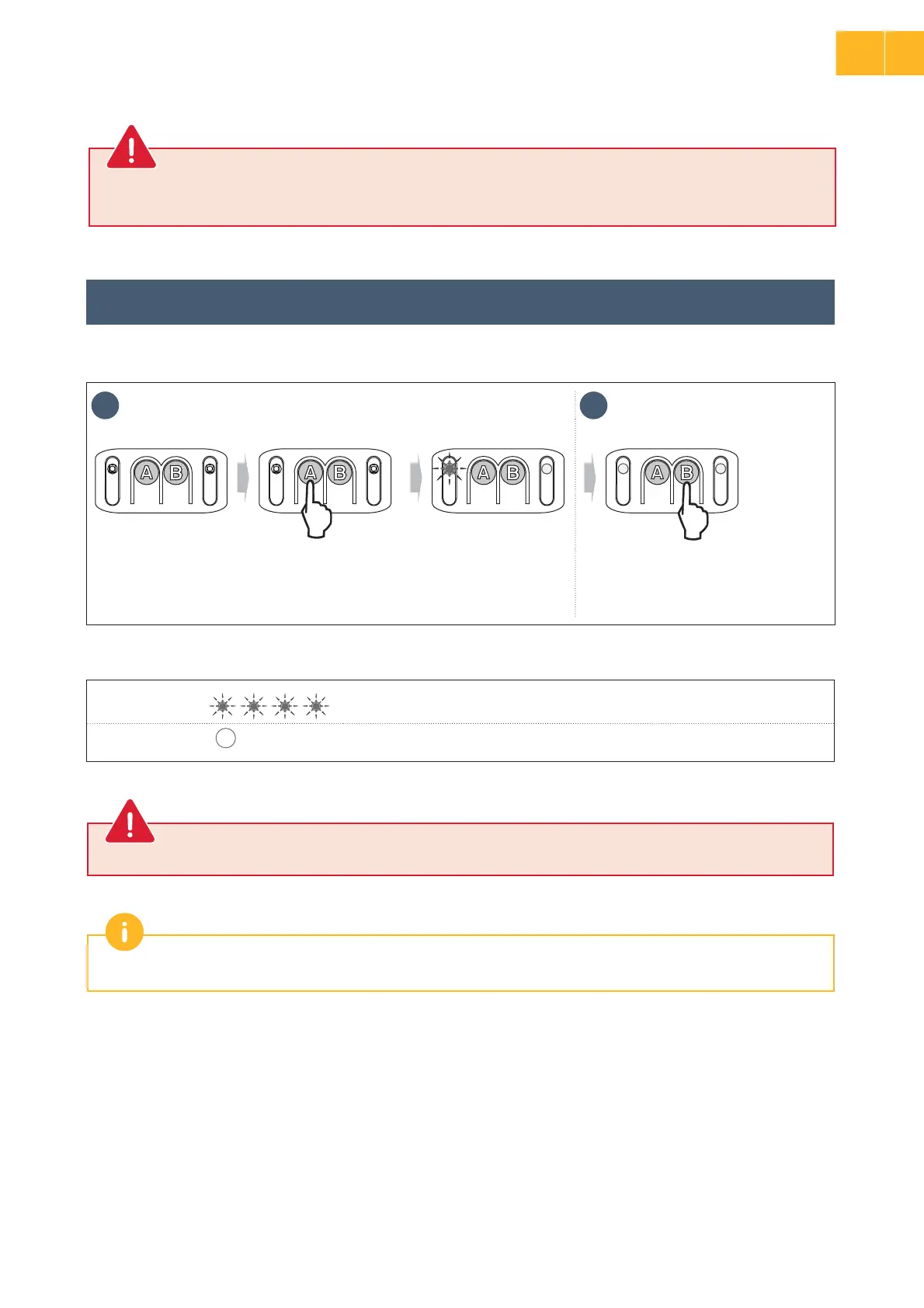
Locking the parameters menu
Indicator light A Locking the parameters menu
Indicator light B
the parameters menu is locked
If button B is pressed accidentally, move on to the “Unlocking the parameters menu” step
1 2
x 4
• Press buttonɃȵA” repeatedly until
ÀÚ¦ÀÿáòÓÀ·½ÿɃ“AȶĪö½ªöfour times. “Parameter menu locking” mode is
activated.
• Press ĄÿÿáÚɃ“B” once. Indicator
lightɃȵA” goes out. The parameters
menu is locked.
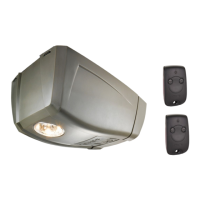
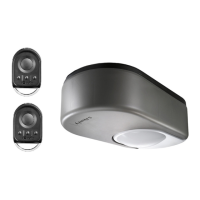
At this stage in the installation, the drive is operational. The remote controls supplied in the kit have already been memorised.
• _òÙªÿªòïòá·òÙÙÀÚ·ÀöÚáđáÙïÓªÿªȚÿ½ªïòÙªÿªòöÙªÚĄÙĄöÿÓđėöªÓáЪ¦ÿáªÚöĄòªÿ½ªö¶ªÿėᶥöªòöȗ
• Failure to follow this instruction may result in serious injury, e.g. due to crushing by the gate.
WARNING
2
EN



 To Next Page