28
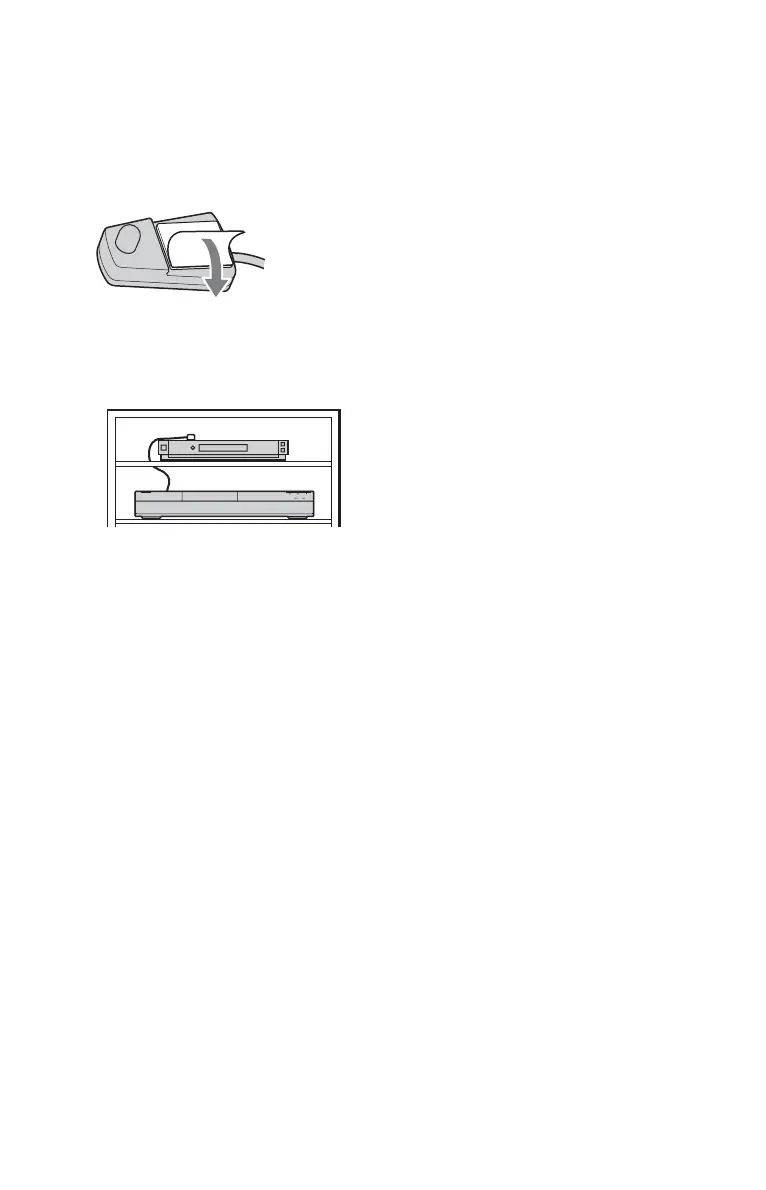
To fix the set top box controller to your set
top box receiver
Once you have confirmed that the set top
box controller controls your set top box
receiver, fix it in place.
1 Remove the backing on the double-
sided tape.
2 Attach it so that the set top box
controller is directly above the remote
control sensor on your set top box
receiver.
To change the basic GUIDE Plus+ settings
1 Press GUIDE.
2 Select “Setup” in the Menu Bar using M/
,, and press ENTER.
3 Select “Basic Setup” using M/m, and
press ENTER.
4 Repeat from step 2 of “Setting up the
GUIDE Plus+
®
system (RDR-AT105/
AT107/AT205 only)” on page 26.



 To Next Page