79
Erasing and Editing
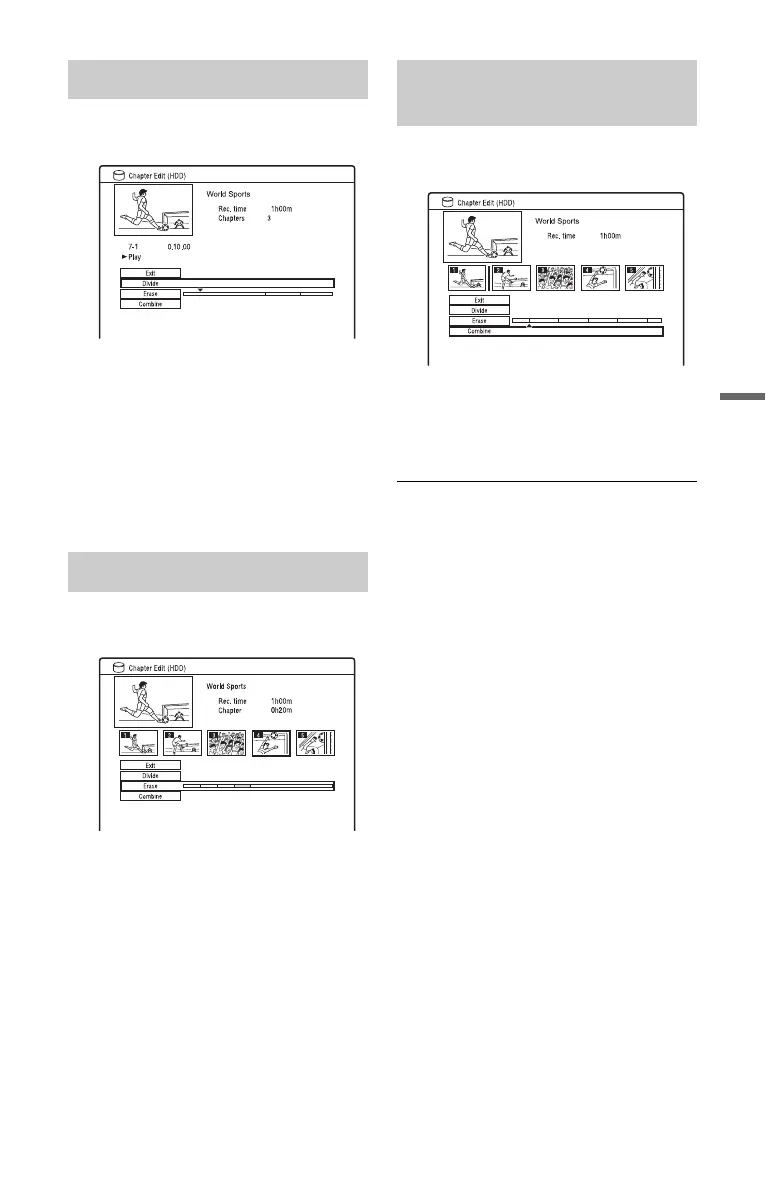
1 After step 4 of “Erasing and Editing a
Chapter,” select “Divide.”
2 Select a chapter using </,.
3 Select the dividing point using m/
M or H, and press X.
• To return to the beginning of the
chapter, press X and then press ..
4 Press ENTER.
The chapter is divided into two.
1 After step 4 of “Erasing and Editing a
Chapter,” select “Erase.”
2 Select a chapter using </,, and
press ENTER.
3 (For a Playlist chapter only)
Select “Erase,” and press ENTER.
The display asks for confirmation.
4 Select “Yes,” and press ENTER.
The chapter is erased.
1 After step 4 of “Erasing and Editing a
Chapter,” select “Combine.”
2 Move the combining bar using </
,, and press ENTER.
The two adjacent chapters of the
combining bar are combined.
b Note
Chapters cannot be combined if they are
automatically created from an HDD camcorder
dubbing.
Dividing a chapter (Divide)
Erasing a chapter (Erase)
Combining multiple chapters
(Combine)











 To Next Page