68
b Notes
• Angles and subtitles cannot be changed with
titles recorded on this recorder.
• JPEG image files made with a DVD camcorder
can only be played as a slideshow. For video
files containing JPEG image files and movies,
the recorder can play movie parts only.
Notes on playing DVDs with a DTS sound
track
DTS audio signals are output only through the
DIGITAL OUT jack.
When you play a DVD with DTS sound tracks, set
“DTS Output” to “On” in the “Audio Out” setup
(page 124).
Notes on playing DTS sound tracks on a
CD
• When playing DTS-encoded CDs, excessive
noise will be heard from the LINE 3-TV/LINE 1/
DECODER/LINE 2 OUT (R-AUDIO-L) jacks.
To avoid possible damage to the audio system,
the user should take proper precautions when the
LINE 3-TV/LINE 1/DECODER/LINE 2 OUT
(R-AUDIO-L) jacks of the recorder are
connected to an amplification system. To enjoy
DTS Digital Surround™ playback, an external
DTS decoder must be connected to the
DIGITAL OUT jack of the recorder.
• Set the sound to “Stereo” using the AUDIO
button when you play DTS sound tracks on a CD
(page 67).
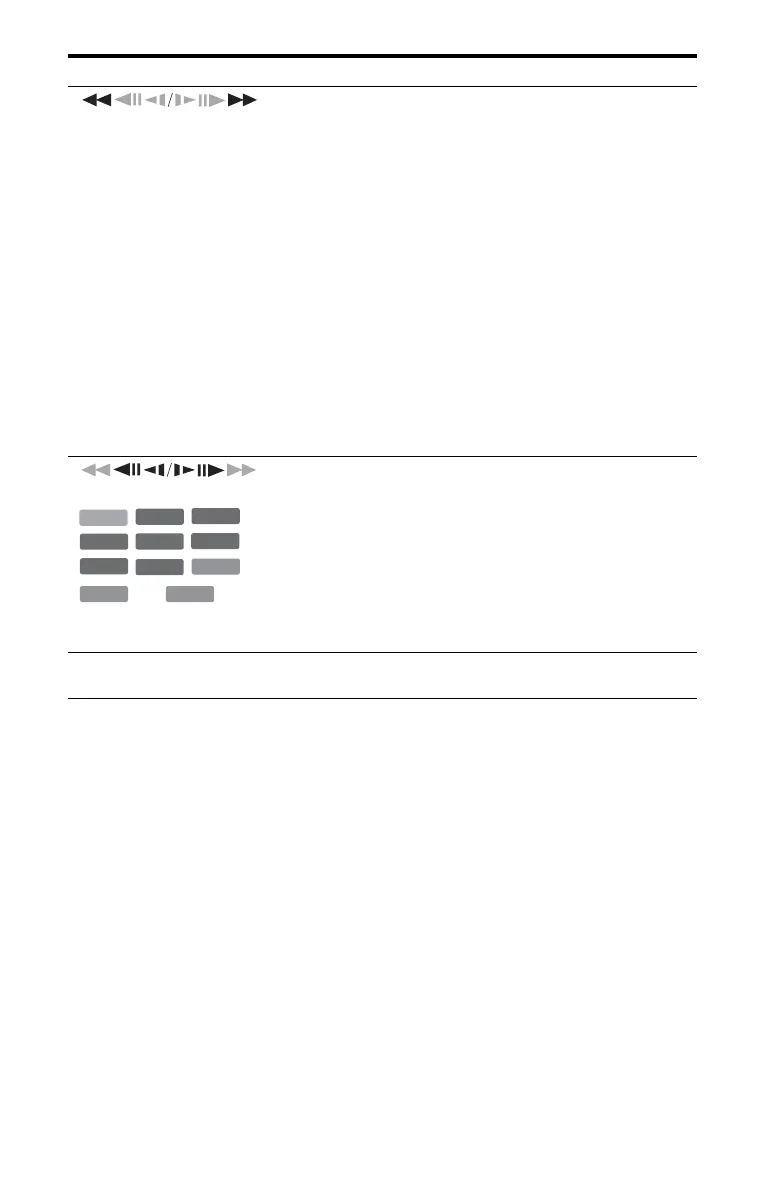
(fast reverse/fast forward)
Fast reverses/fast forwards the disc when pressed during
playback.
Search speed changes as follows:
fast reverse fast forward
mFR1
*1
T t MFF1
*2
mFR2 T T t t MFF2
mFR3
*3
T T T t t t MFF3
*3
mFR4
*3
T T T T t t t t MFF4
*3
When you press and hold the button, fast forward/fast reverse
continues at the selected speed until you release the button.
*1
When you press m once during playback, you can play Reverse
play (not available for VIDEO CDs/Super VIDEO CDs/DivX
video files/audio tracks).
*2
When you press M once during playback, you can play quickly
with sound (Scan Audio) (not available for VIDEO CDs/Super
VIDEO CDs).
*3
Not available for VIDEO CDs/Super VIDEO CDs/audio tracks.
To resume normal playback, press H.
(slow, freeze frame)
*1
Playback direction only
*2
DivX video file only
Plays in slow motion when pressed for more than one second in
pause mode.
Plays one frame at a time when pressed briefly in pause mode.
To resume normal playback, press H.
X (pause) Pauses playback.
To resume normal playback, press H.
Buttons
Operations
-
RWVR
-
RW
Video
+
RW
-
RVR
+
R
VCD
DVD
*1
HDD
-
R
Video
DATA DVD
*1*2
DATA CD
*1*2



 To Next Page