6-13
CCD-TRV138/TRV238E/TRV338/TRV438E
3-2. Flange Back Adjustment (2)
RadarWRadarWRadarW
Perform this adjustment after performing “Flange Back Adjust-
ment (1)”.
Mode CAMERA
Subject Subject more than 500 m away
(Subject with clear contrast such as
buildings, etc.)
Measurement Point Check operation on monitor TV
Measuring Instrument
Adjustment Page F
Adjustment Address 44 to 54
Specified value Data of page: 6, address: 0C is “00”
Note 1: Check that the data of page: 0, address: 10 is “00”.
Note 2: Check that the data of page: 6, address: 02 is “00”.
If not, turn the power of unit OFF/ON.
Switch setting:
1) NIGHTSHOT PLUS ........................................................ OFF
2) DISPLAY (Menu setting) ................................................LCD
Preparations before adjustments:
1) Set the zoom lens to the TELE end and expose a subject that is
more than 500 m away.
(subjects with clear contrast such as building, etc.)
(Nearby subjects less than 500 m away should not be in the
screen)
Adjusting method:
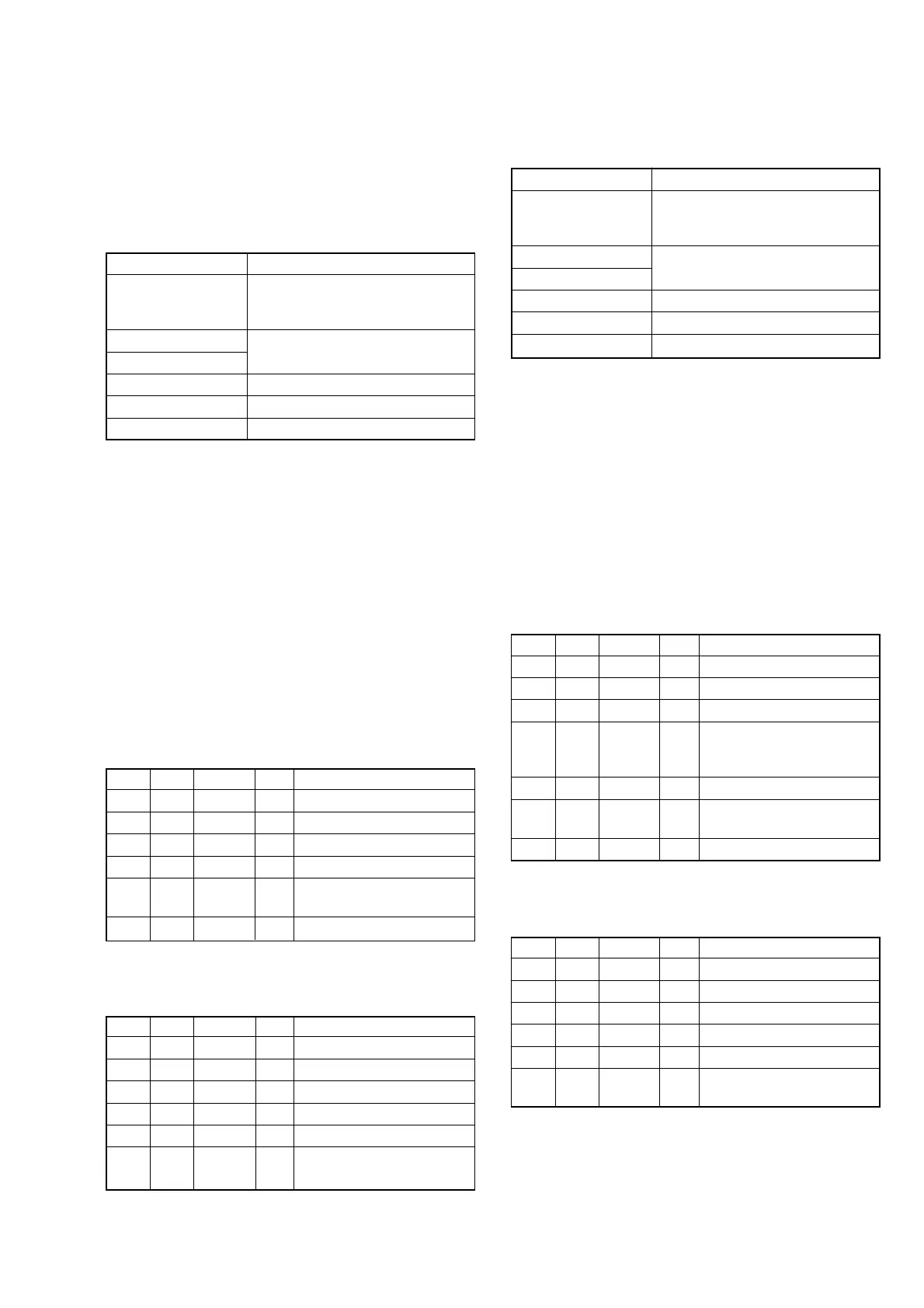
Order Page Address Data Procedure
10 0101
26 4801
36 01 13 Press PAUSE button.
4
Place ND filter on the lens so
that the optimum image is
obtain.
56 01 29 Press PAUSE button. (Note 3)
66 02
Check the data changes to
“01”.
76 0C Check the data is “00”.
Note 3: The adjustment data will be automatically input to page:
F, address: 44 to 54.
Processing after completing adjustment:
Order Page Address Data Procedure
16 01 00 Press PAUSE button.
26 01 25 Press PAUSE button.
36 01 00 Press PAUSE button.
46 4800
50 0100
6
Perform “Flange Back
Check”.
3. Flange Back Adjustment
(Using the flange back adjustment chart and
subject more than 500 m away)
The inner focus lens flange back adjustment is carried out auto-
matically. In whichever case, the focus will be deviated during
auto focusing/manual focusing.
3-1. Flange Back Adjustment (1)
RadarW
RadarW
RadarW
Mode CAMERA
Subject Flange back adjustment chart
(2.0 m from the front of lens)
(Luminance: 300 to 400 lux)
Measurement Point Check operation on monitor TV
Measuring Instrument
Adjustment Page F
Adjustment Address 44 to 54
Specified value Data of page: 6, address: 0C is “00”
Note 1: Check that the data of page: 0, address: 10 is “00”.
Note 2: Check that the data of page: 6, address: 02 is “00”.
If not, turn the power of unit OFF/ON.
Note 3: Perform the adjustment with the camcorder in horizon-
tal state.
Note 4: Perform “HALL Adjustment” before this adjustment.
Switch setting:
1) NIGHTSHOT PLUS ........................................................ OFF
2) DISPLAY (Menu setting) ................................................ LCD
Preparations before adjustments:
1) Place the Flange back adjustment chart 2.0 m from the front
of the lens.
2) Check that the center of Flange back adjustment chart meets
the center of shot image screen with the zoom lens at TELE
end and WIDE end respectively.
Adjusting method:
Order Page Address Data Procedure
10 0101
26 4801
36 01 13 Press PAUSE button.
46 01 15 Press PAUSE button. (Note 5)
56 02
Check the data changes to
“01”.
66 0C Check the data is “00”.
Note 5: The adjustment data will be automatically input to page:
F, address: 44 to 54.
Processing after completing adjustment:
Order Page Address Data Procedure
16 01 00 Press PAUSE button.
26 01 25 Press PAUSE button.
36 01 00 Press PAUSE button.
46 4800
50 0100
6
Perform “Flange Back
Adjustment (2)”.















 To Next Page