6-14
CCD-TRV138/TRV238E/TRV338/TRV438E
4. Flange Back Check
Mode CAMERA
Subject Siemens star
(2.0 m from the front of the lens)
(Luminance: approx. 200 lux)
Measurement Point Check operation on monitor TV
Measuring Instrument
Specified value Focused at the TELE end and WIDE
end
Note 1: Check that the data of page: 0, address: 10 is “00”.
Switch setting:
1) NIGHTSHOT PLUS ........................................................ OFF
2) DISPLAY (Menu setting) ................................................LCD
Note 2: When the auto focus is ON, the lens can be checked if it
is focused or not by observing the data on the page: 1 of
the adjusting remote commander.
1 : 00 : XX
Odd: Focused
Even: Unfocused
Checking method:
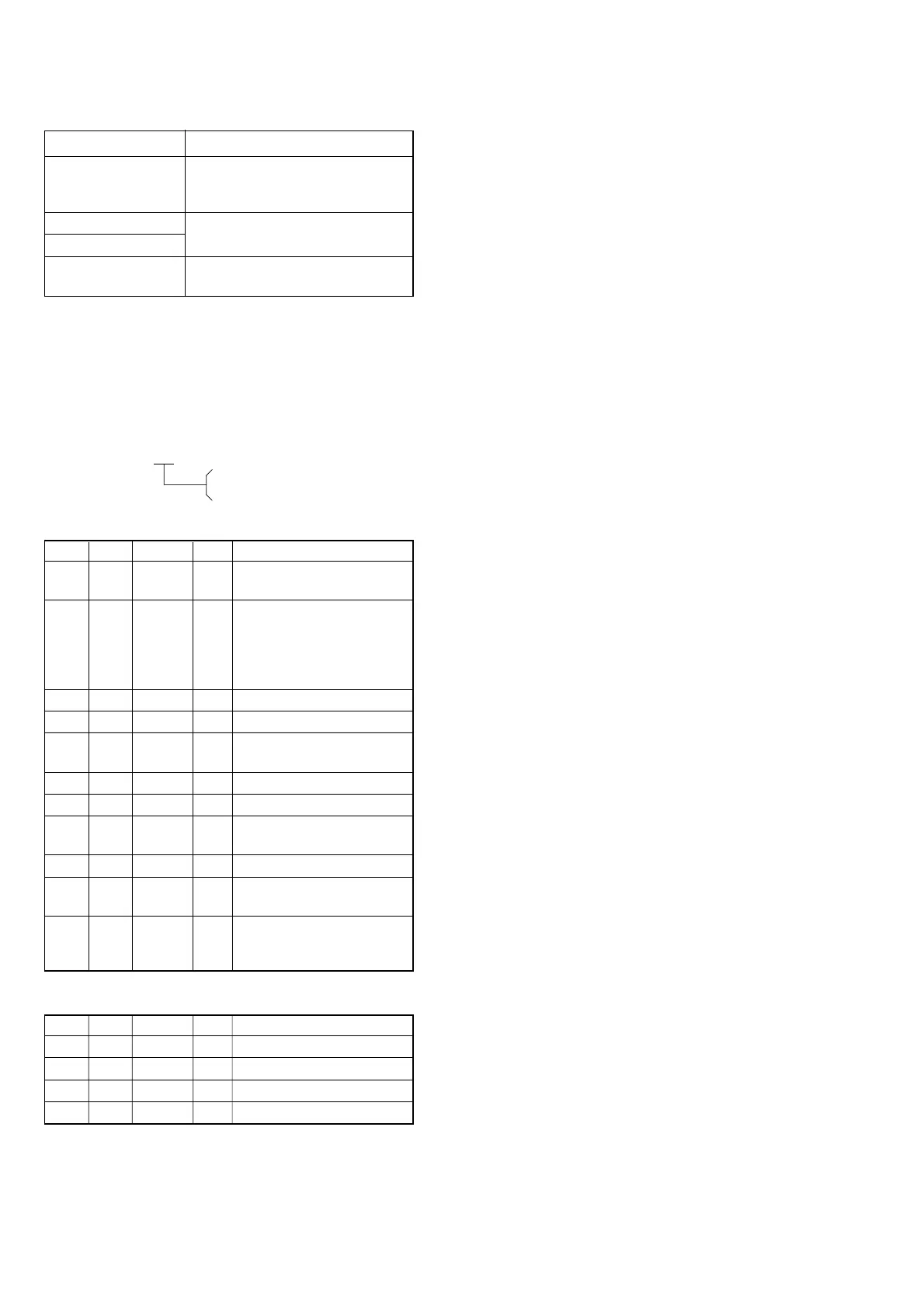
Order Page Address Data Procedure
1
Place the Siemens star 2.0 m
from the front of the lens.
2
To open the IRIS, decrease
the luminous intensity to the
Siemens star up to a point
before noise appear on the
image.
36 4001
46 4101
5
Shoot the Siemens star with
the zoom TELE end.
6Turn on the auto focus.
70 030F
81
Check that the lens is
focused. (Note 2)
96 2110
10
Shoot the Siemens star with
the zoom WIDE end.
11
Observe the TV monitor and
check that the lens is
focused.
Processing after completing adjustment:
Order Page Address Data Procedure
16 2100
26 4000
36 4100
40 0300















 To Next Page